01Why it is worth doing
Some pages should stay between you and the people you send them to, and some should be found by anyone who asks. The choice is yours, page by page, and each page tells search engines which it is.
02How you get there
- Every page opens for anyone who has its link, and asks search engines to leave it out. You decide per page.
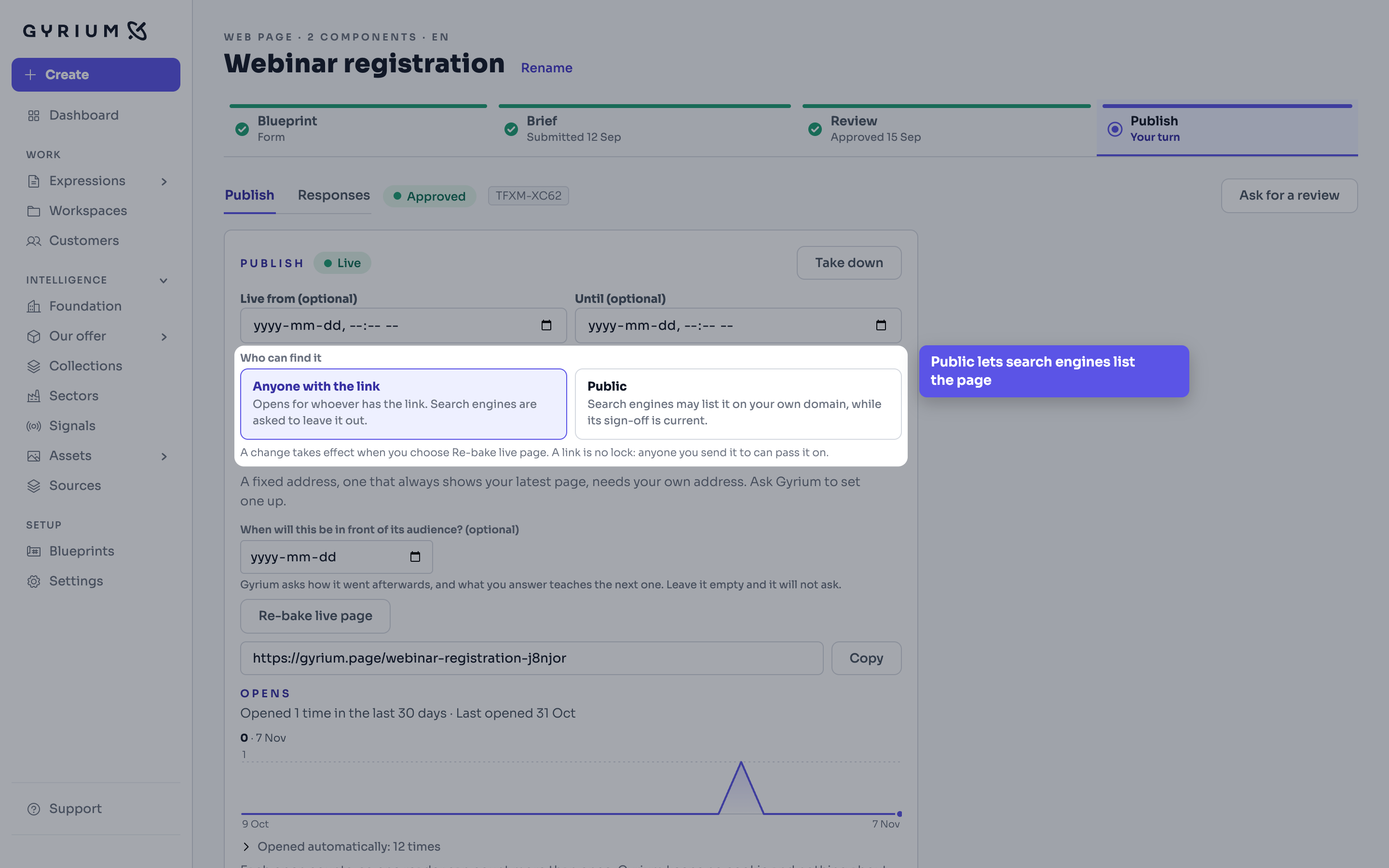
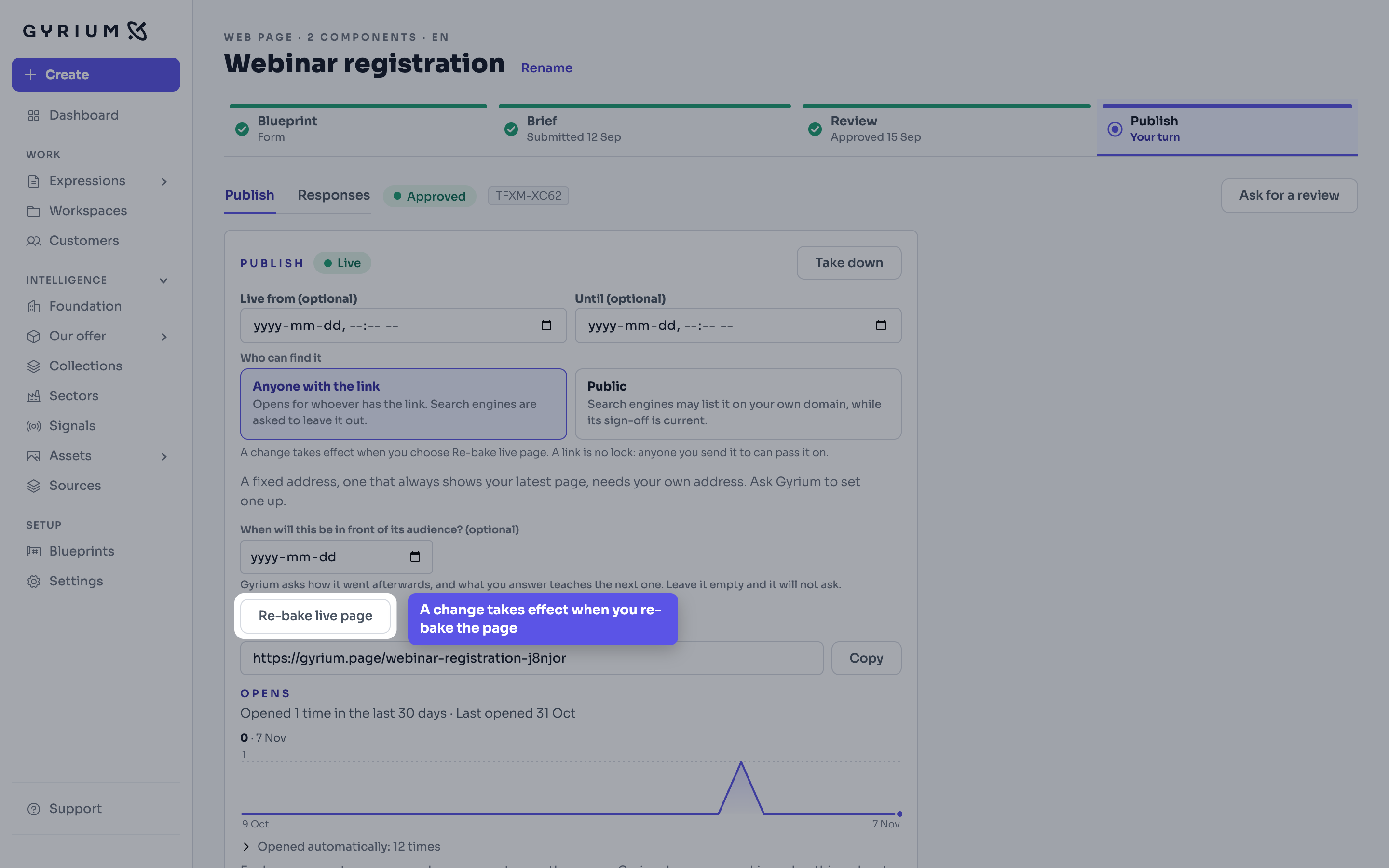
- Open the page's Publish step and choose Public under Who can find it. Then publish it, or choose Re-bake live page if it is already live.
- A page can be listed once it is live on your own address and its sign-off is current. A page edited after its sign-off stays live, and asks to stay out of search until someone signs it again. Pages on gyrium.page are never listed.
- Search engines decide when they visit, and a new page usually takes days to weeks to appear. Public pays off for pages that stay up, such as a contact or a demo page. A page for one event gets its readers from the link you share.
- To take a page out again, choose Anyone with the link and re-bake it. Search engines are asked to drop it; how soon it goes is theirs to decide.
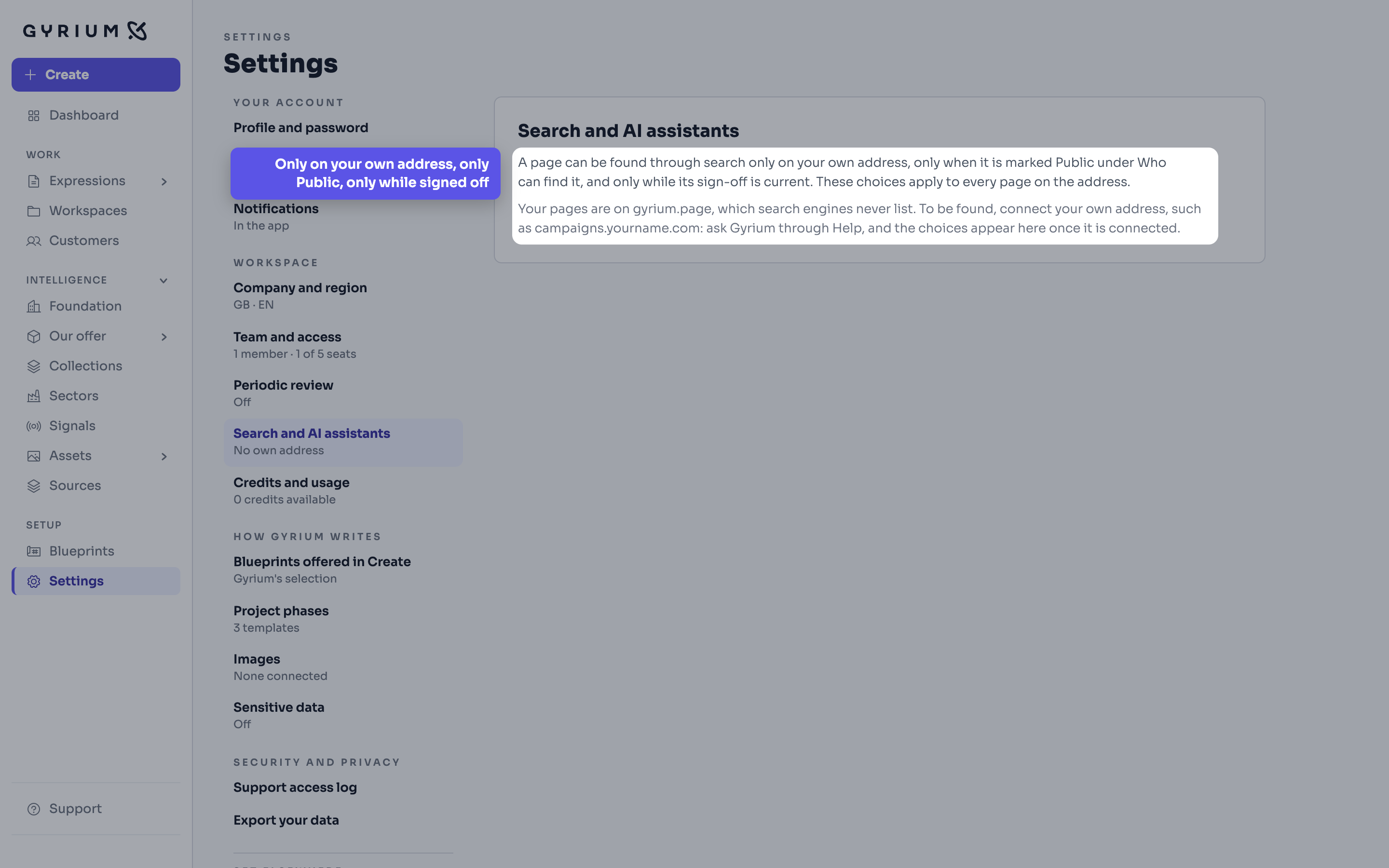
- What search engines and AI assistants may do on your whole address, a workspace admin sets in Settings, under Search and AI assistants: whether search engines may list public pages, whether AI assistants may read pages to answer questions, and whether AI model training may collect pages. They start on, on and off.
- A refusal is a request. Search engines and the large AI companies honour it; an assistant fetching a page because someone just asked for it may not. What nobody may see, keep off the page.
What this uses