Bring colleagues in, and set what each can reach

Everyone gets the part of the business that is theirs, and no more.

01Why it is worth doing

Handing someone the part of the work that is theirs is how more people get to work at once. Set as access, it still holds when the person who arranged it is on holiday.

02How you get there
  1. Invite a colleague by email.
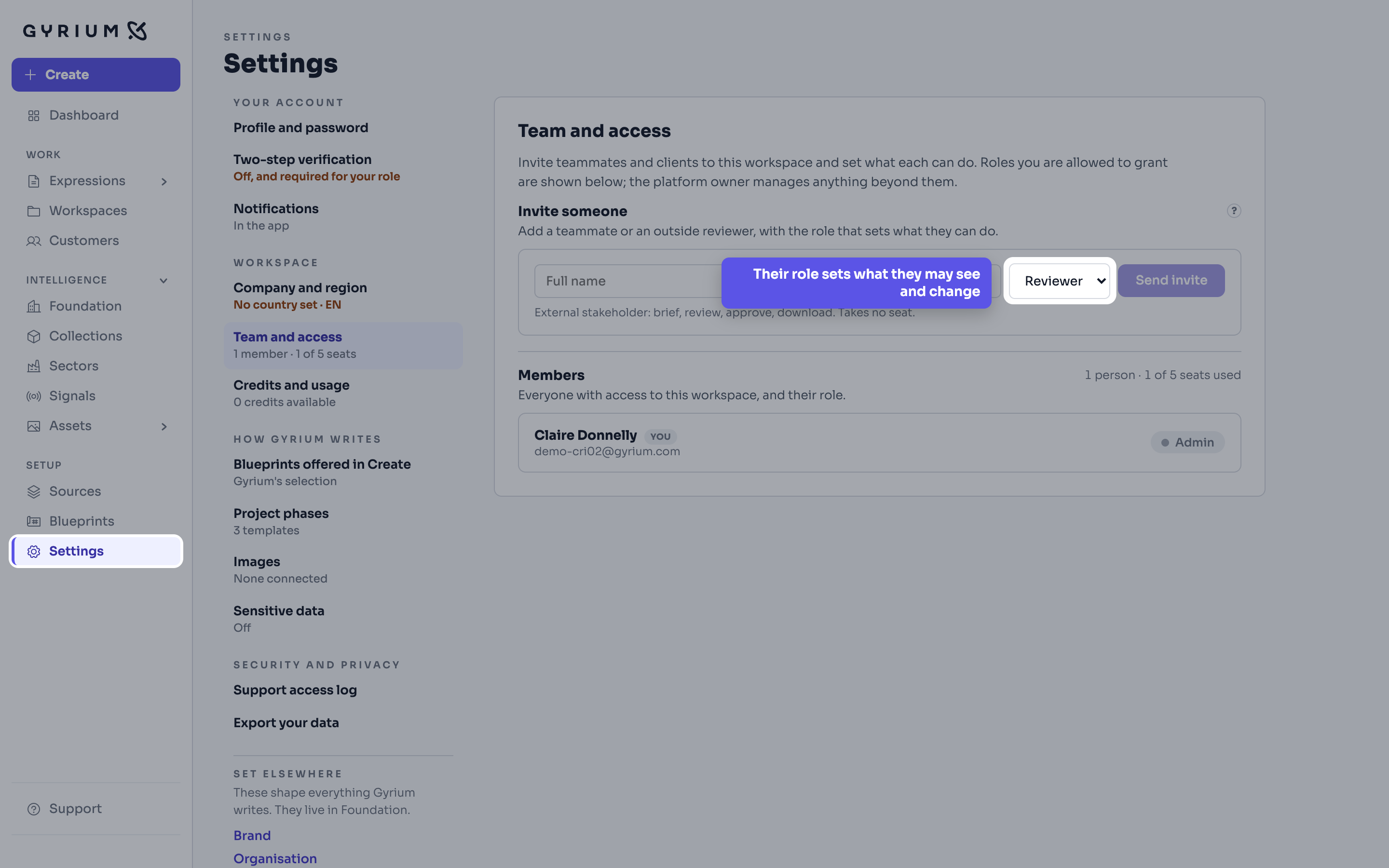
  2. Give them a role, which decides what they may change as well as what they may see.
  3. A manager can be limited to the intelligence sections they look after, so they change the part of the business that is theirs and no more.
  4. Remove them when they move on, and what they made stays where it belongs.
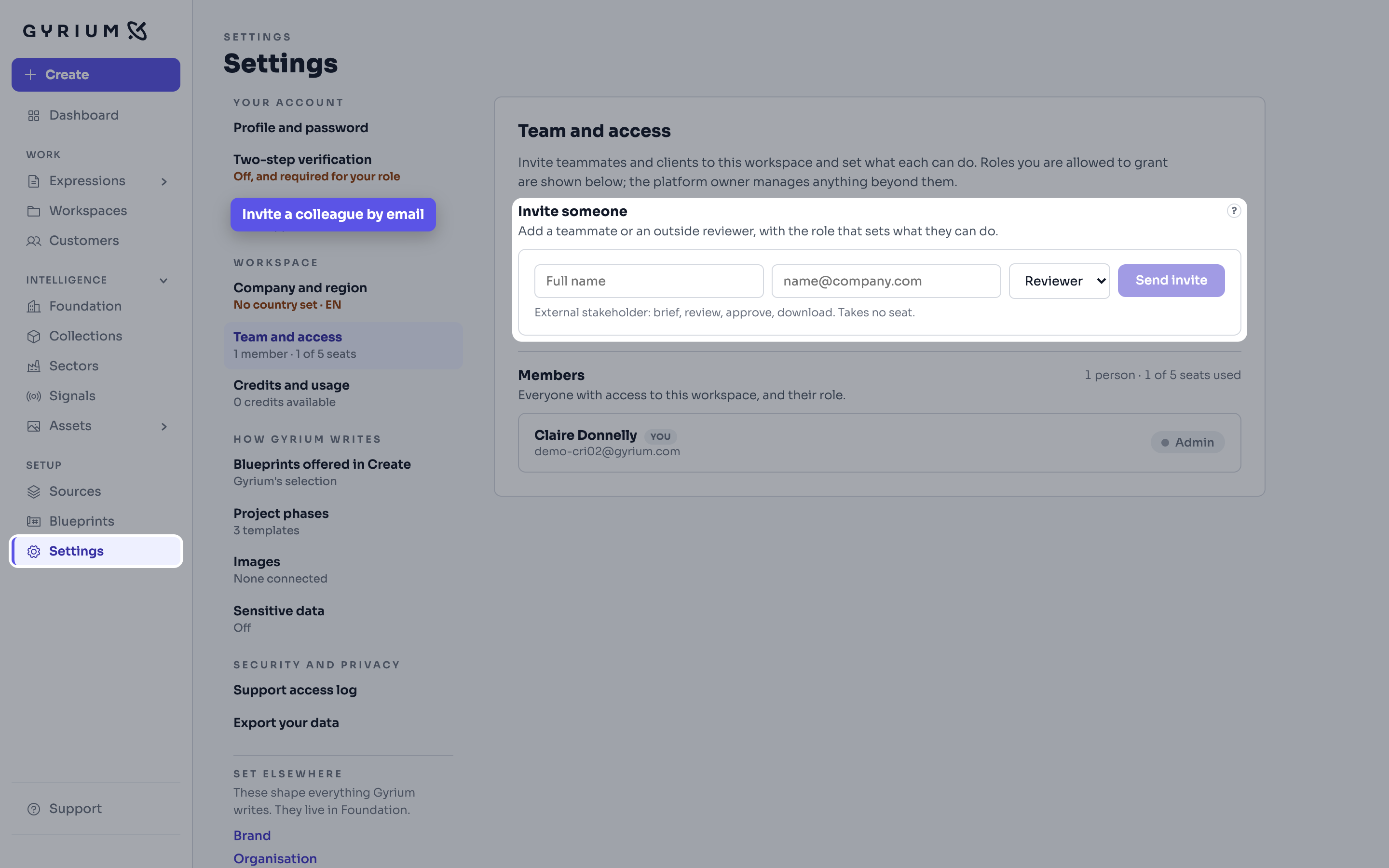
Gyrium, full screen with the menu on the left. Settings is open on Team and access. The Invite someone block is picked out, with a name field, a role and Send invite. The callout reads: Invite a colleague by email.
Step 1Settings, Team and access · Invite someoneDemo: a fictional cardiovascular research institute, with simulated figures.
Gyrium, full screen with the menu on the left. The same screen, with the role menu picked out, set to Reviewer, and the note on what a reviewer may do. The callout reads: Their role sets what they may see and change.
Step 2Settings, Team and access · The role you give themDemo: a fictional cardiovascular research institute, with simulated figures.
What this uses

See it hold your own work.

The pilot takes a small number of organizations at a time. Bring what you already have.