Campaign brief
The brief that sets up a campaign: the objective, the audience, the core message and proof, the channels, and what success looks like. Sets the context the workspace's next pieces start from.
Document
13 things you can make for this, each composed from what your organization already knows and rendered in your brand.
The expensive failures are internal. A team that has heard three versions of the strategy will produce three versions of everything downstream, and nobody notices until the work goes out.
The brief that sets up a campaign: the objective, the audience, the core message and proof, the channels, and what success looks like. Sets the context the workspace's next pieces start from.
Document
What your organization stands for: the values and the way of working that define it, for the people inside it.
Slides · Web page · Social
The brief that captures a customer account: who they are, their goals and situation, how you work with them, and the messages that matter. Sets the context the workspace's next pieces start from.
Document
Everything a new hire needs to start well: the essentials, the context, and the first steps.
Document · Slides · Web page
A clear briefing for your own team: what is changing, why it matters, how the team works with it, and what to do next. For adopting a tool, a policy, or a new way of working. The audience is your own team, kept internal.
Slides · Document
A short note for your own team: what is decided or changing, why, and what each person does next. Usually one page.
Document
An update for your own team: the news that matters, the context behind it, and what to do with it.
Slides · Email
A shared starting point for a project: the objectives, the team, the plan, and everyone's role.
Slides
A clear reference for how things are done: the policy or handbook your team can rely on.
Document
The brief that frames a project: the goal, the scope, the audience, the key messages, and the constraints. Sets the context the workspace's next pieces start from.
Document
An invitation to join your team: who you are, what the role offers, and how to apply.
Web page · Social
A clear progress update for stakeholders: where things stand, what changed, and the next steps.
Slides · Document · Web page
A quick, informal piece for the team: a light update or an ice-breaker to get a room talking.
Slides
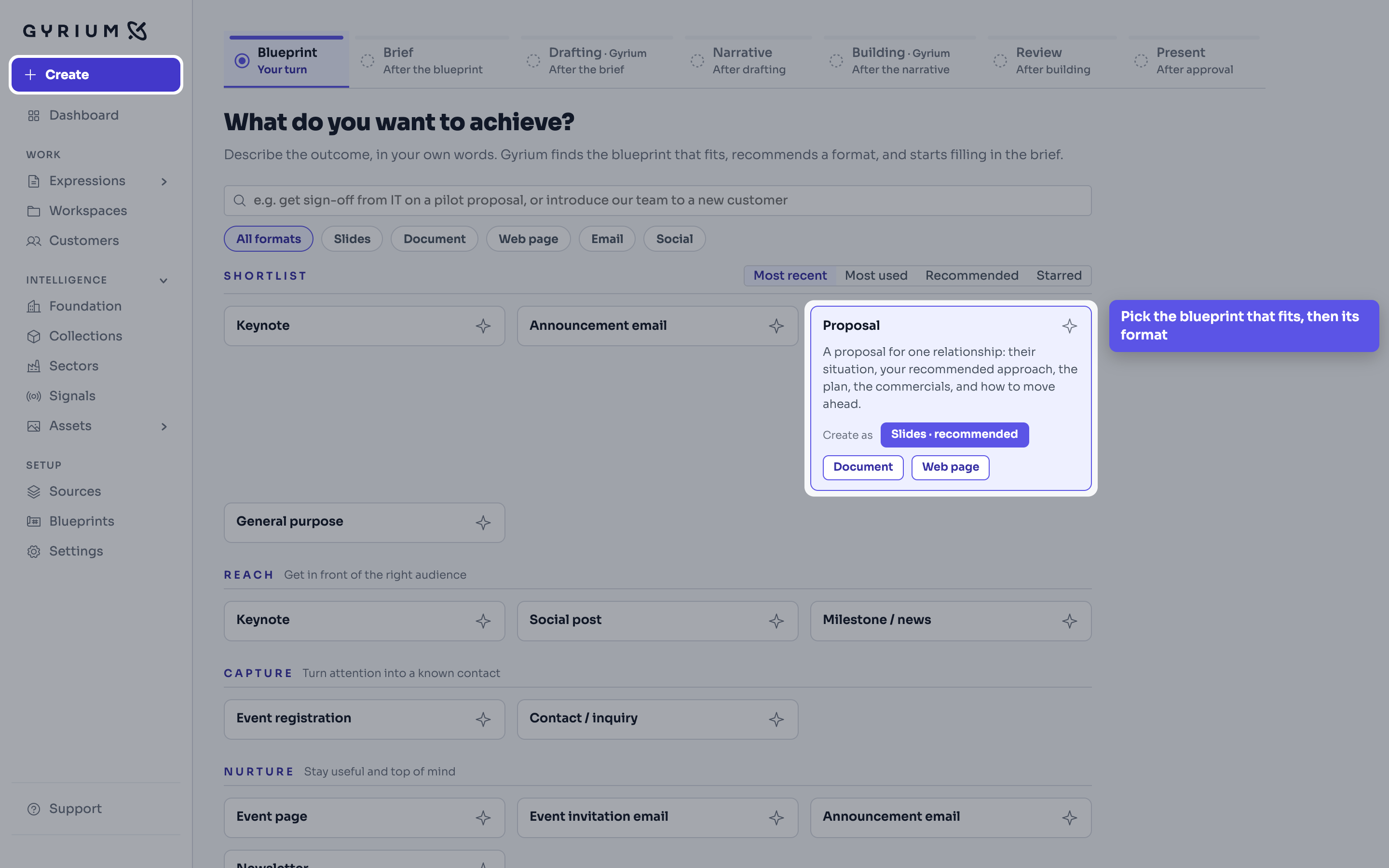
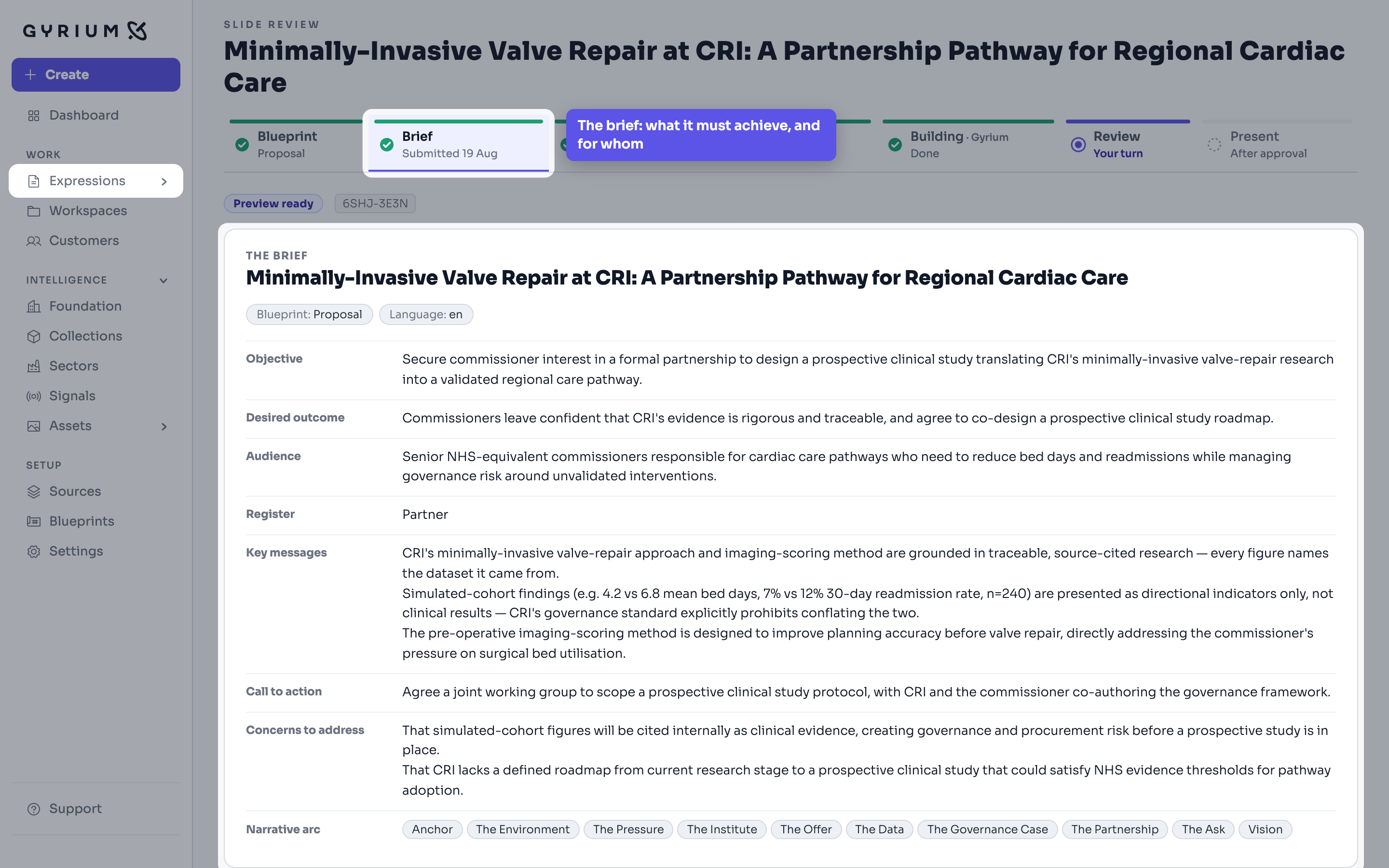
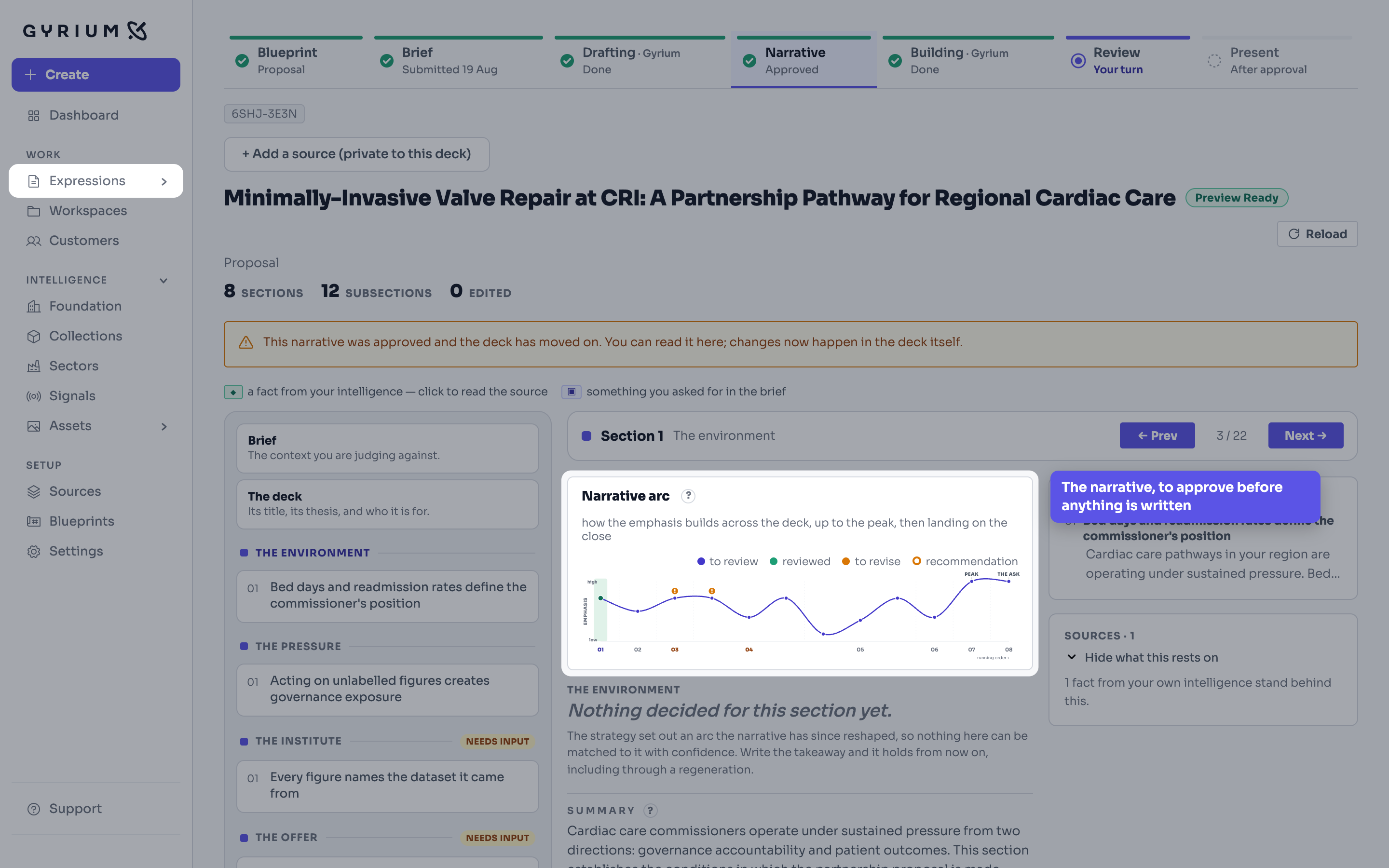
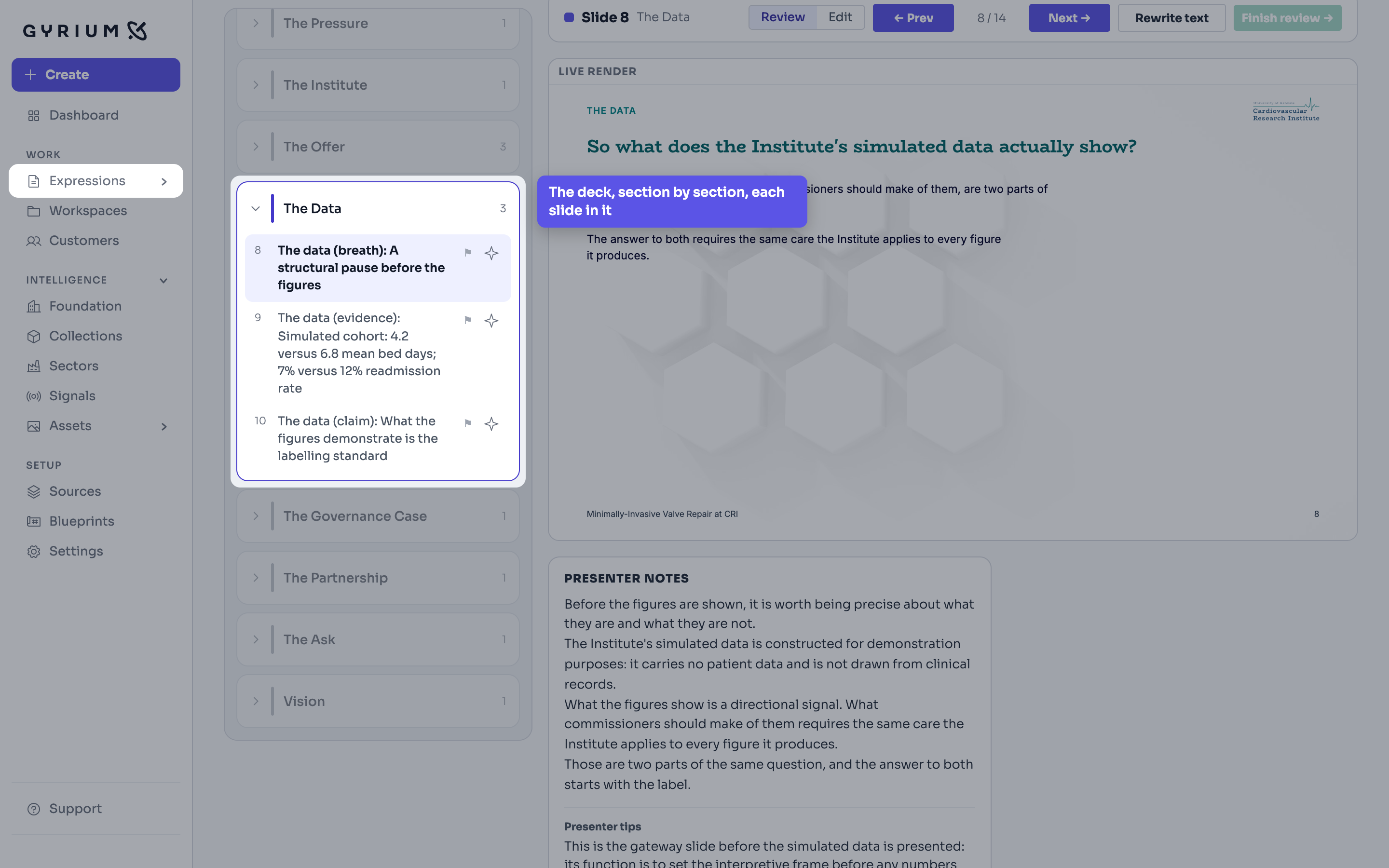
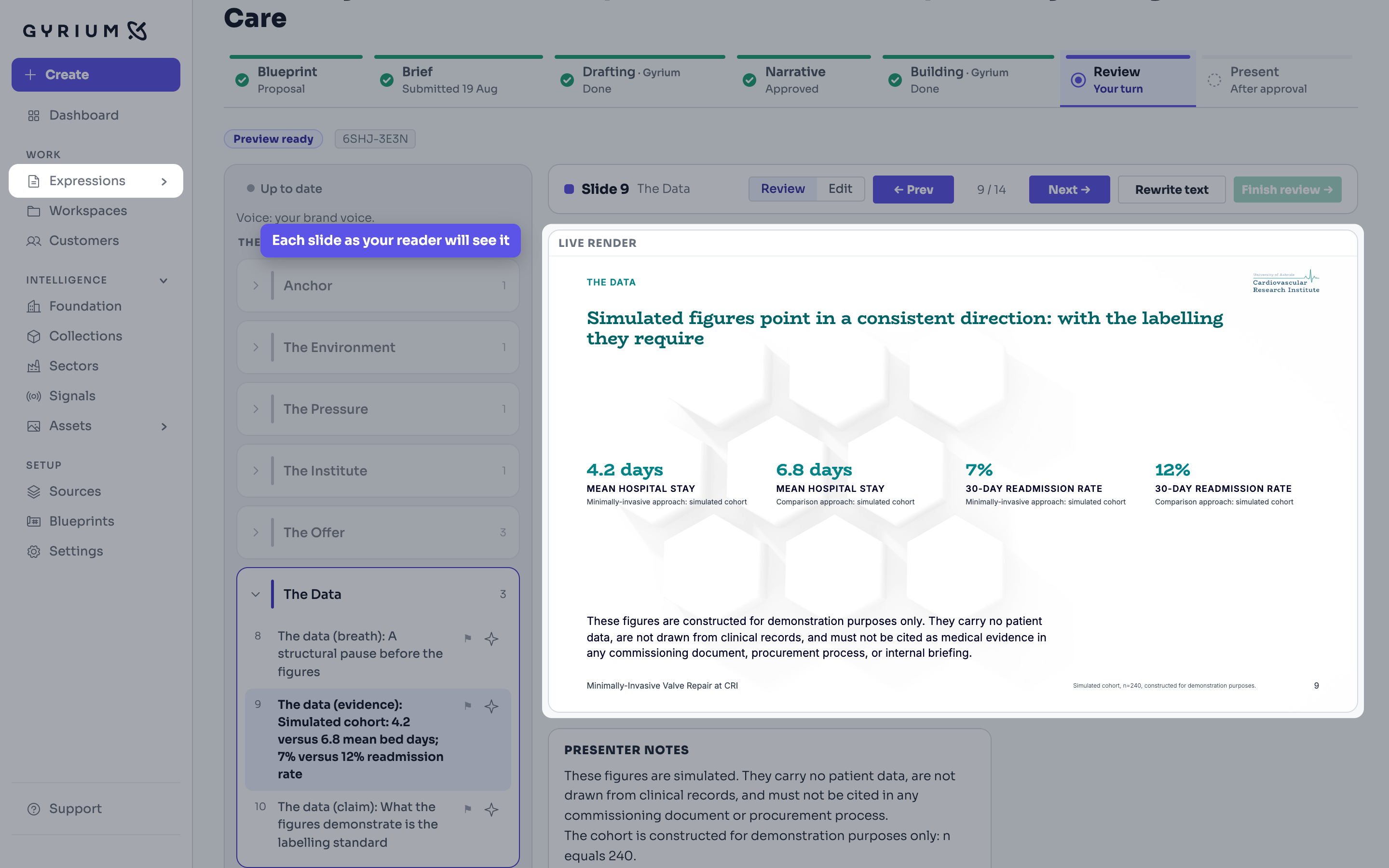
The work you actually ship. An Expression is a rendered view of your intelligence, in your brand.
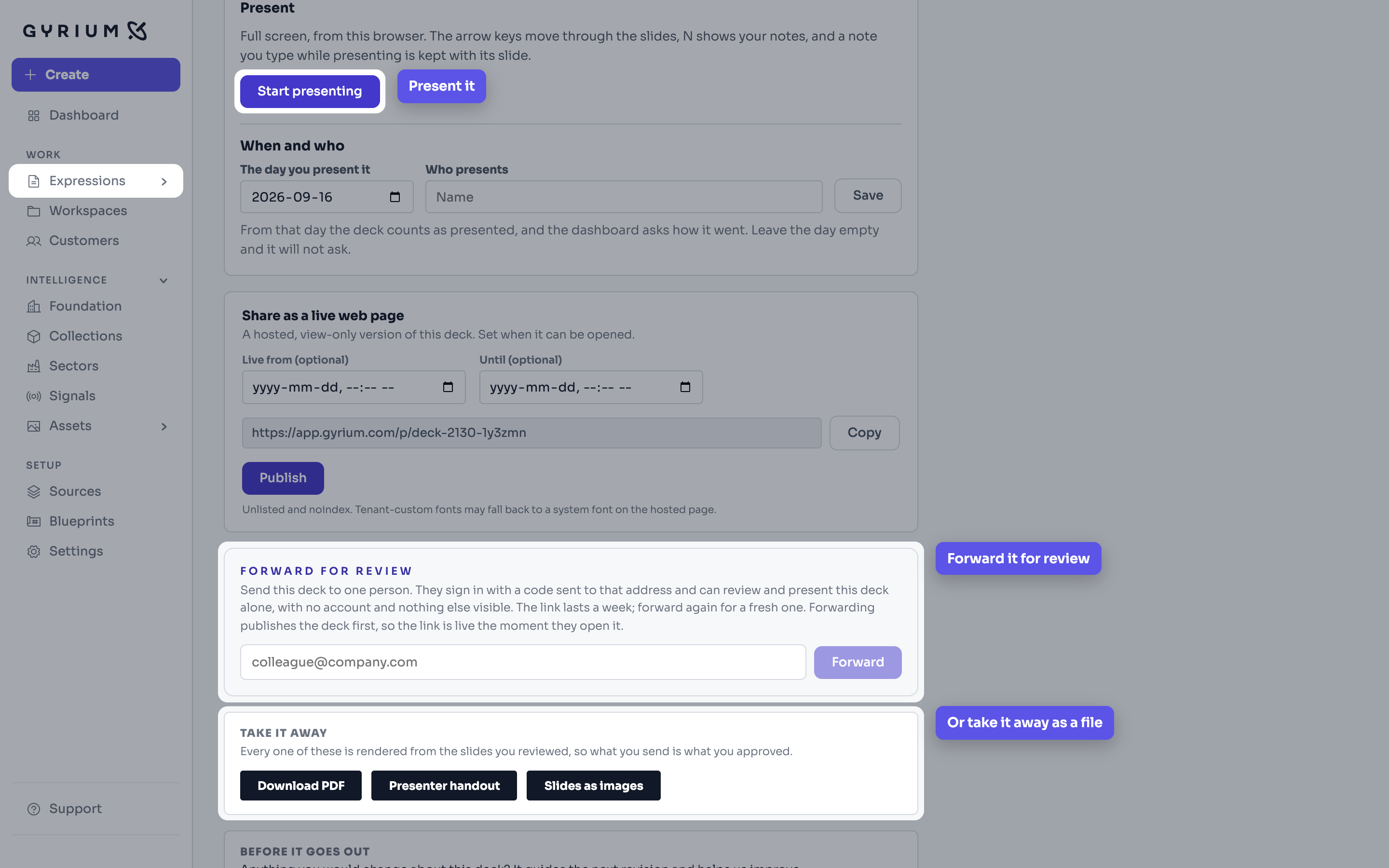
Every Expression files itself by context and names itself properly, and shares as a read-only, on-brand link you can revoke.
A collection gathers what your organization knows and says about one topic, such as safety or a law you work under, apart from what you sell, so a piece can be about that topic with or without a product.
The pilot takes a small number of organizations at a time. Bring what you already have.