A proposal you have already won with is the most reusable thing your company owns, and it is usually pasted from the last one by whoever has the file. Held here, the shape is the team's and only the customer changes.
- Start from a proposal you have already sent and would send again. The one that won is the one worth keeping.
- Save it as text or markdown, then open Blueprints and extract the shape from it. Gyrium reads the arc, the audience and the occasion, and it deliberately keeps none of the words, so no prospect ever receives another prospect's sentences.
- Correct what it read wrong. You know why that proposal worked.
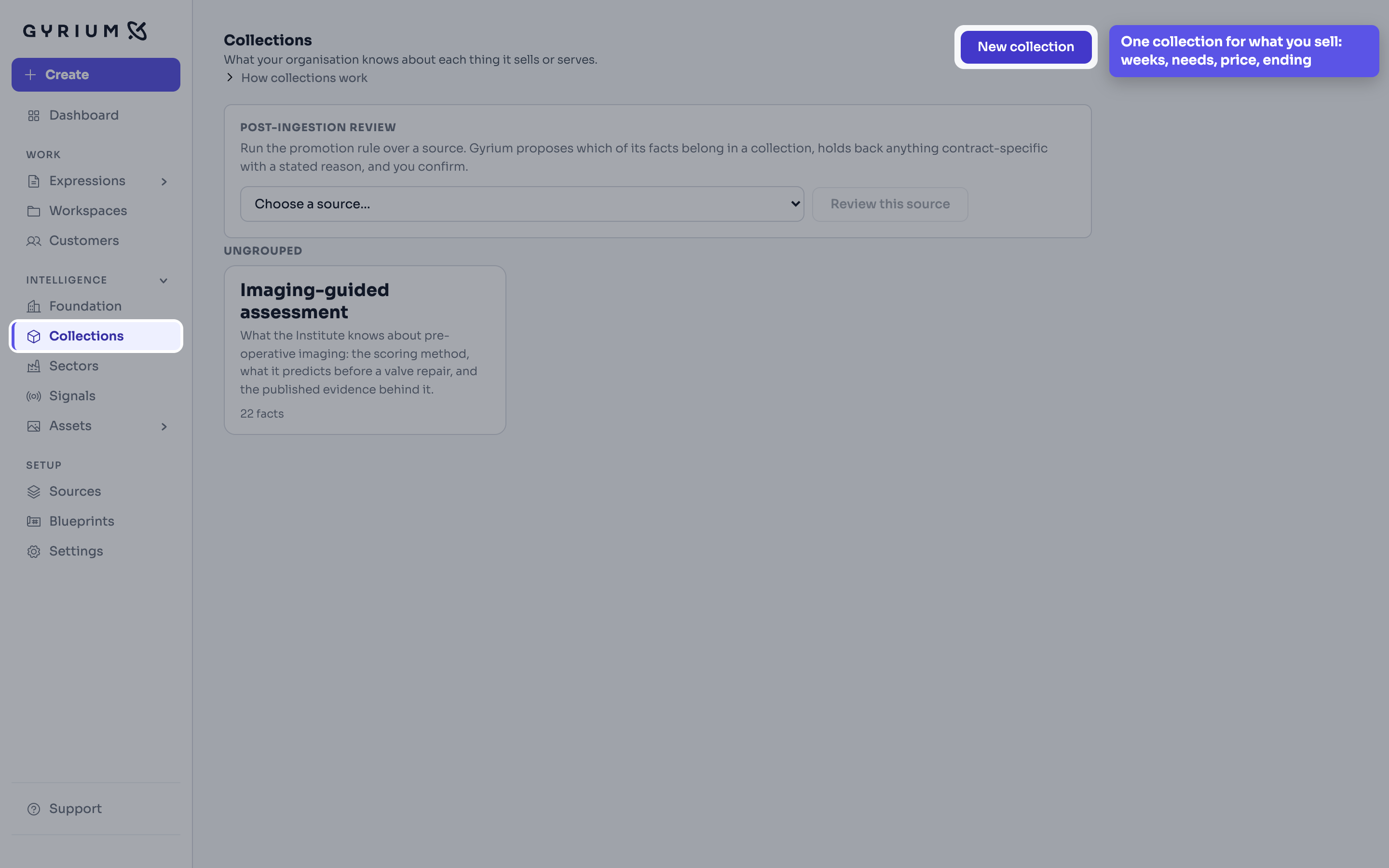
- Make a collection for the thing you are selling, and put what is true of every sale of it in it: what the weeks contain, what you need from the customer, how it is priced, what happens at the end.
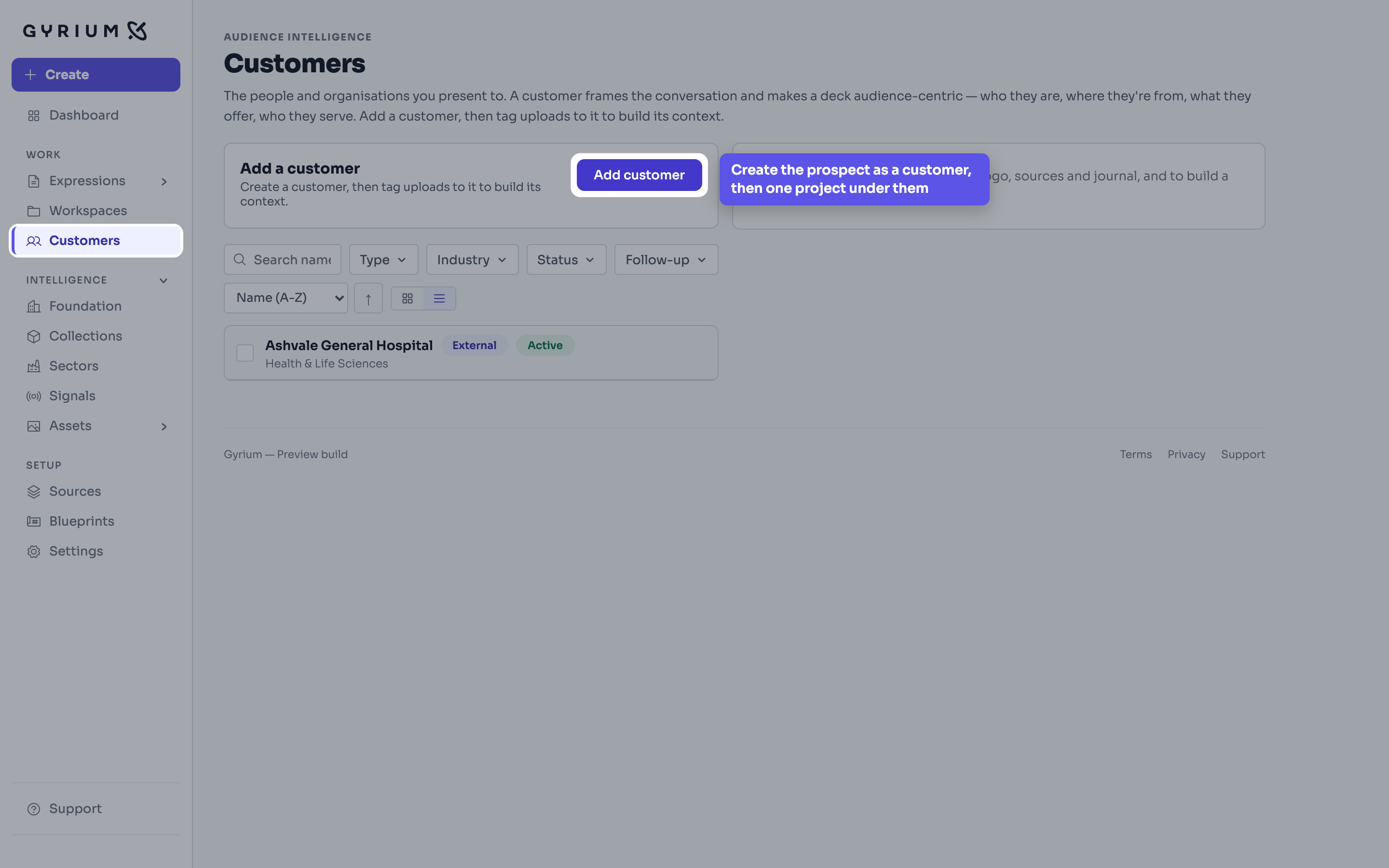
- For each new prospect, create the customer and one project under them. Everything you read about that prospect goes there and stays there.
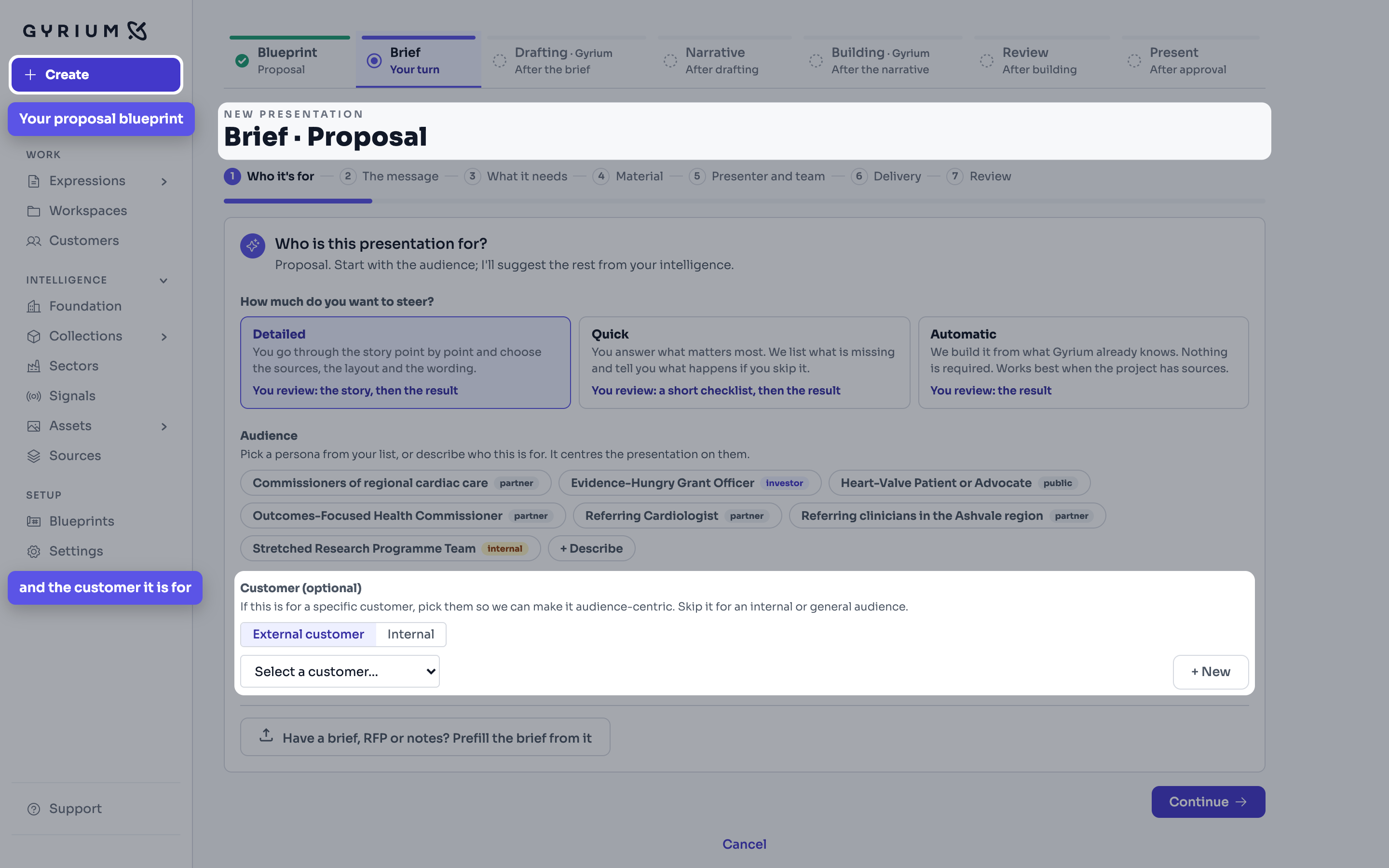
- Build the proposal from your blueprint, that customer, and that collection. The shape is the team's, the offer comes from the collection, and only the customer changes.
- When your offer changes, change the collection once. The next proposal argues from the new version, and nobody has to remember which file was current.
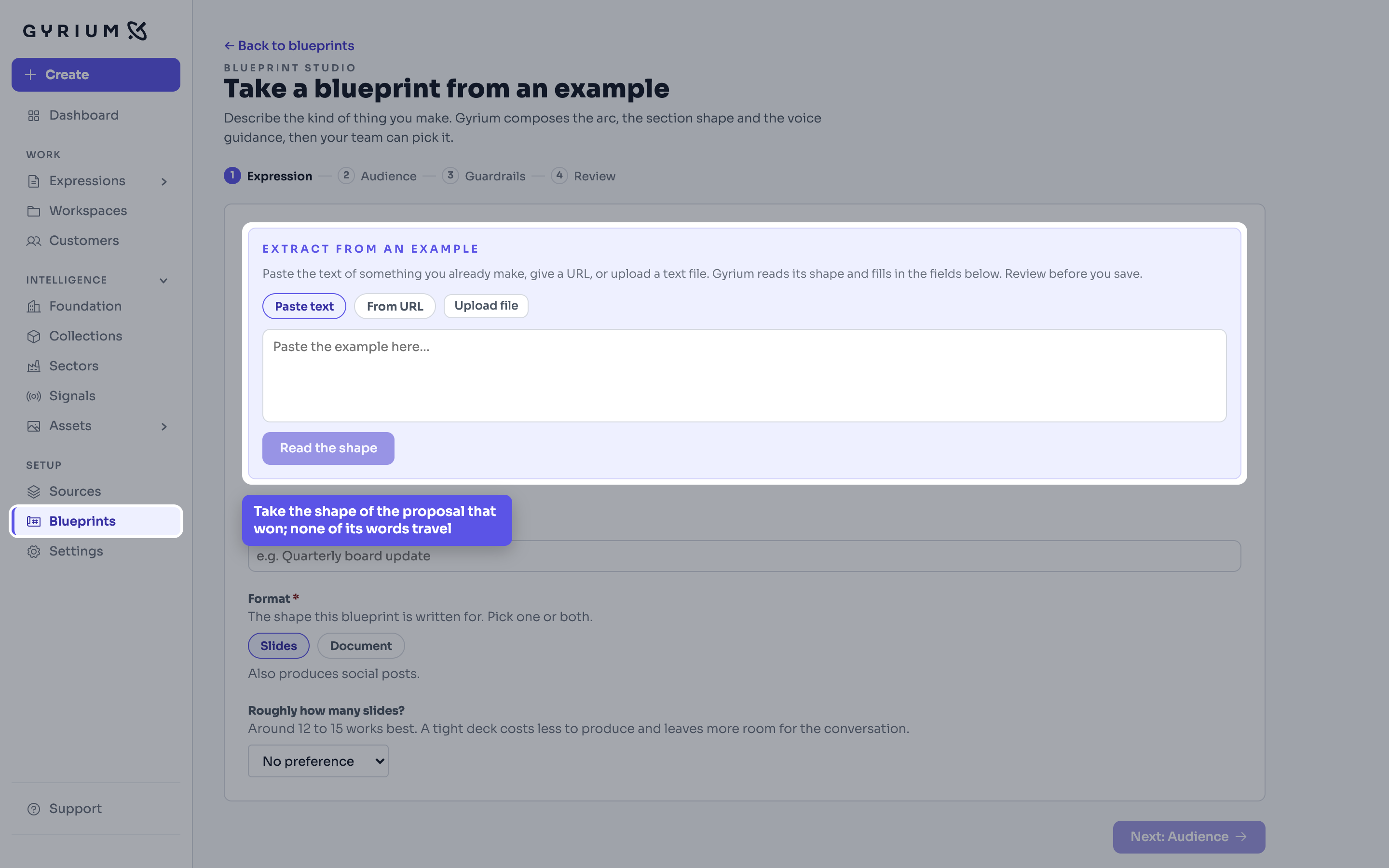
The shape behind a kind of work, held once so everyone composes to it. Build one from a few questions, or take it from a piece that already works.
A collection gathers what your organization knows and says about one topic, such as safety or a law you work under, apart from what you sell, so a piece can be about that topic with or without a product.
Who you are talking to, where each conversation stands and what you owe them next, kept beside the knowledge you would answer them with.
Mark the work that landed. A starred slide or section can be offered to everyone in your organization, so the good version stops being the one person who remembers it.
Strategy before words. Gyrium sets the objective, the narrative, and the structure before it composes, grounded in your intelligence base.