01Why it is worth doing
The person best placed to catch the error is usually outside your team, and usually the one you would least like to give an account to.
02How you get there
- Create a review link from the piece itself, addressed to one named person.
- They open it and verify with a code sent to their email. There is no account to create and no seat to buy.
- They see that one piece and nothing else, rendered in your brand.
- They respond on the narrative and on individual slides: whether a part works, where their concerns are, and a note in their own words. They can add a link or a picture too.
- They can approve the piece, or ask for changes. Their approval is recorded as the sign-off, and the record says it came through their link.
- Every response comes back attached to the section it belongs to. The link expires after a week, and you can revoke it sooner.
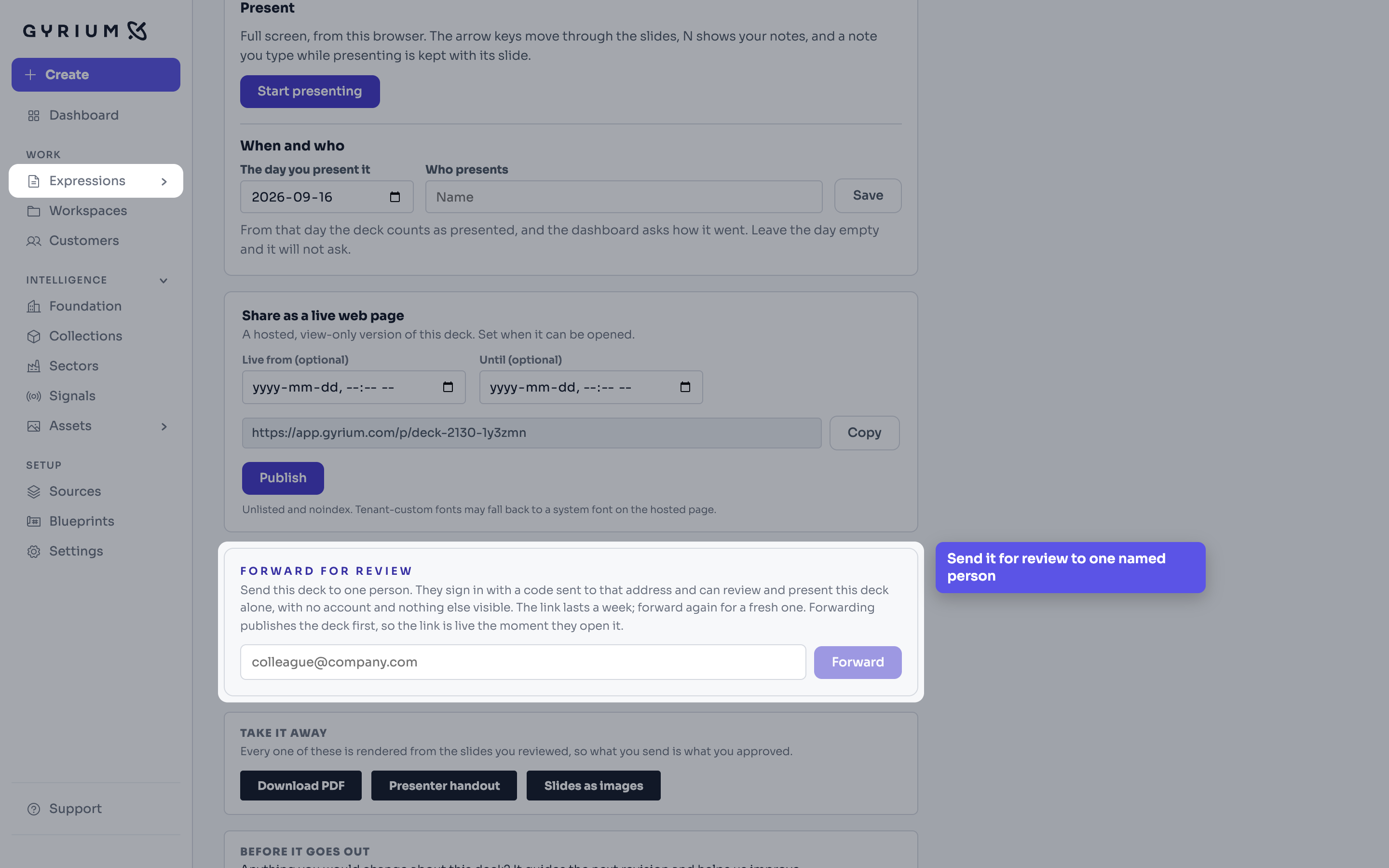
Watch this step
See it done.
The ways to put a finished deck in front of people: a live page, a forward to one reviewer, or a file.
What this uses
Governance
One source of truth. Sourced, isolated, approved, versioned, exportable, and owned by the customer.
Collaboration
Discussion where the work is. Comment on anything, bring in the person who needs to see it, and resolve it when it is settled.
Expressions
The work you actually ship. An Expression is a rendered view of your intelligence, in your brand.