01Why it is worth doing
Work that knows where it belongs files itself and stays scoped to the customer it concerns. Work that does not becomes somebody's folder problem.
02How you get there
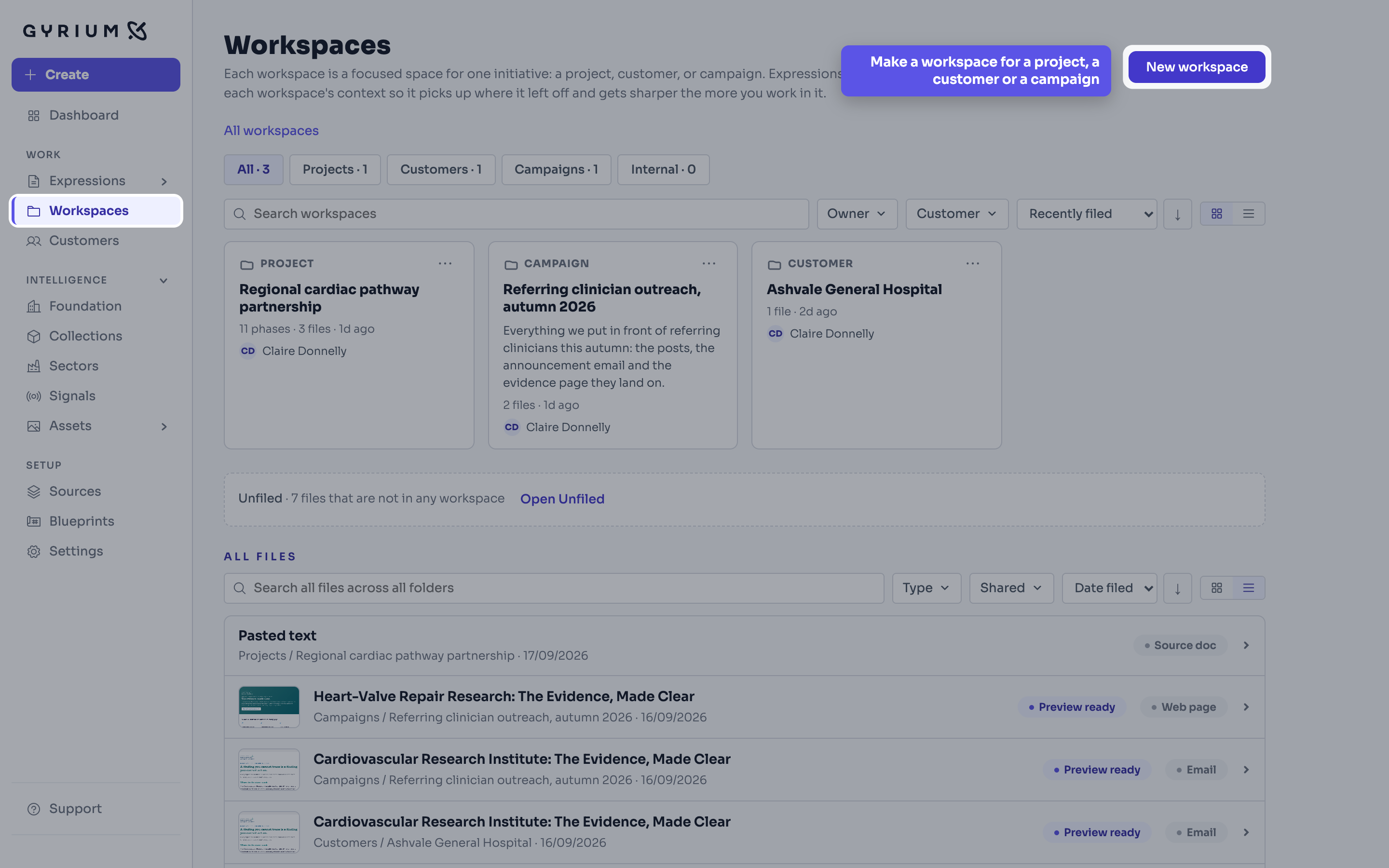
- Make the workspace for the initiative: a project, a customer, or a campaign. Making it makes the thing it names, so the customer or the campaign exists from that moment and work can be scoped to it.
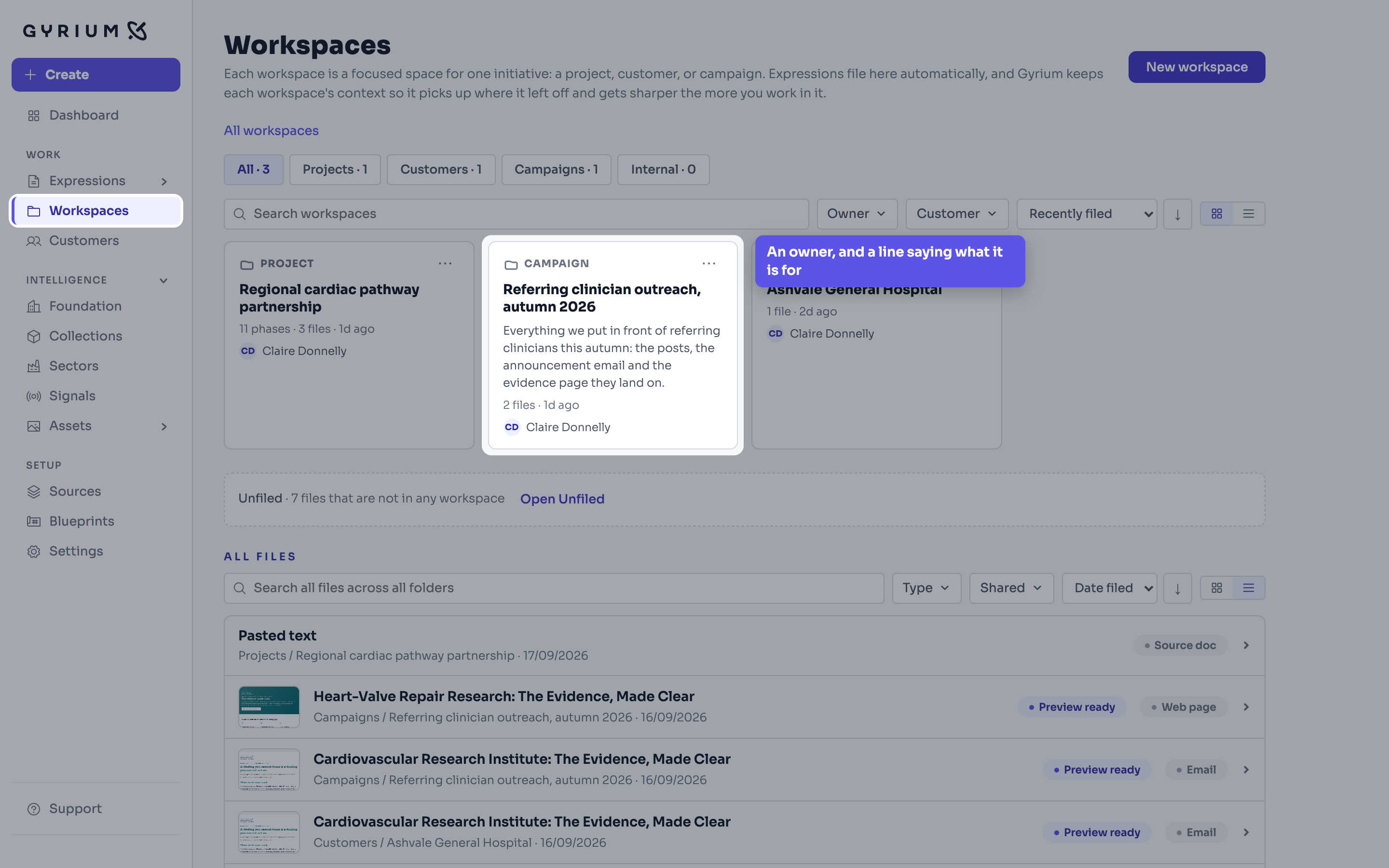
- Give it an owner and a line saying what it is for. Those two are what make a list of workspaces readable a month later, when nobody remembers which one this was.
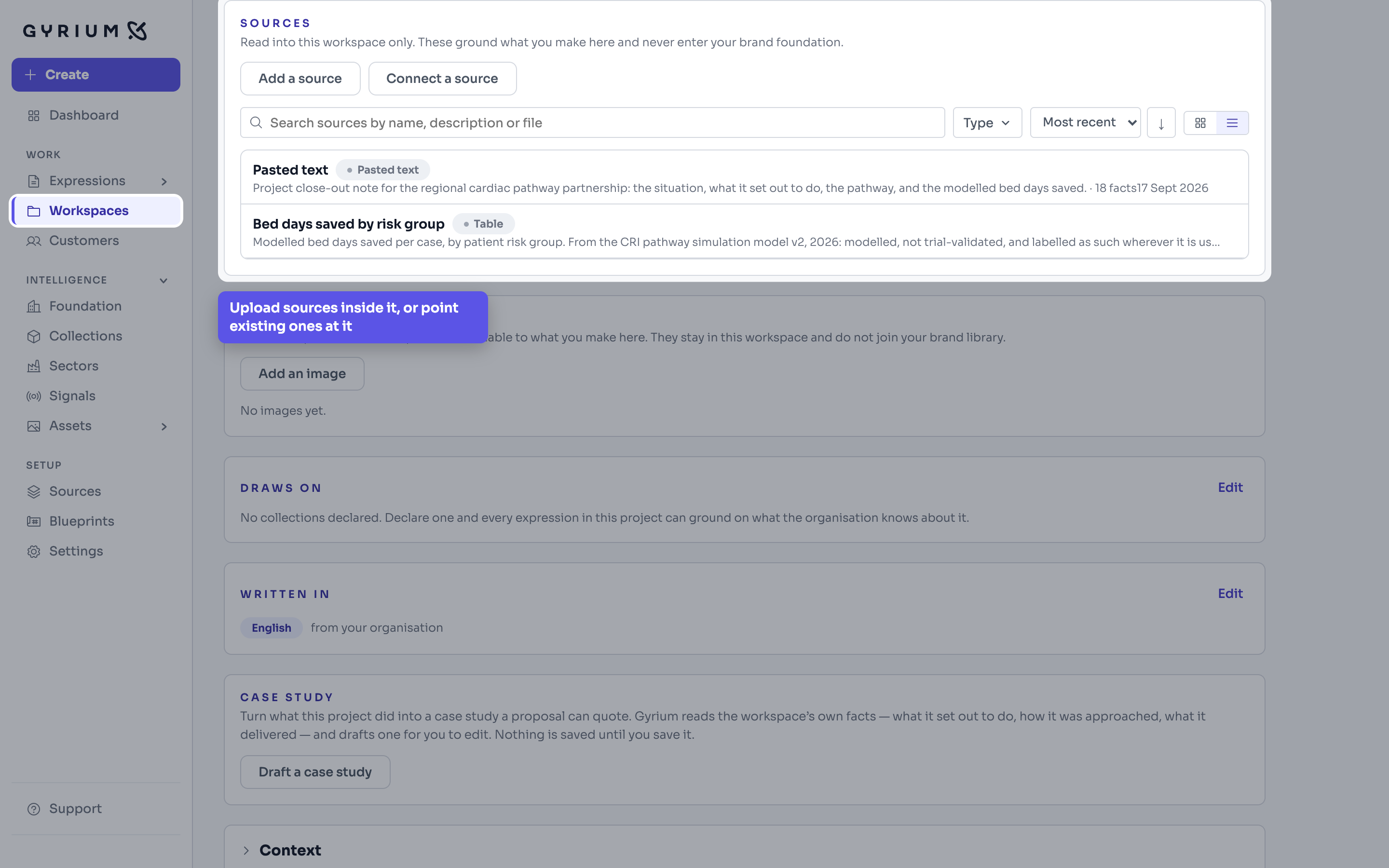
- Point sources at it, or upload them inside it. Inside a customer you are asked once whether the file is about them or about your own catalogue: the first stays with the customer, the second goes to a collection that sits above every customer.
- In a campaign, fill in the campaign brief: its goal in one sentence, the key messages, the call to action, and the topics to use and to avoid. Everything made in the campaign reads it.
- Add what steers this work only: a signal about what is happening outside, or a concept, an example whose look or tone you want to borrow. In a workspace they reach the work made there and nothing else.
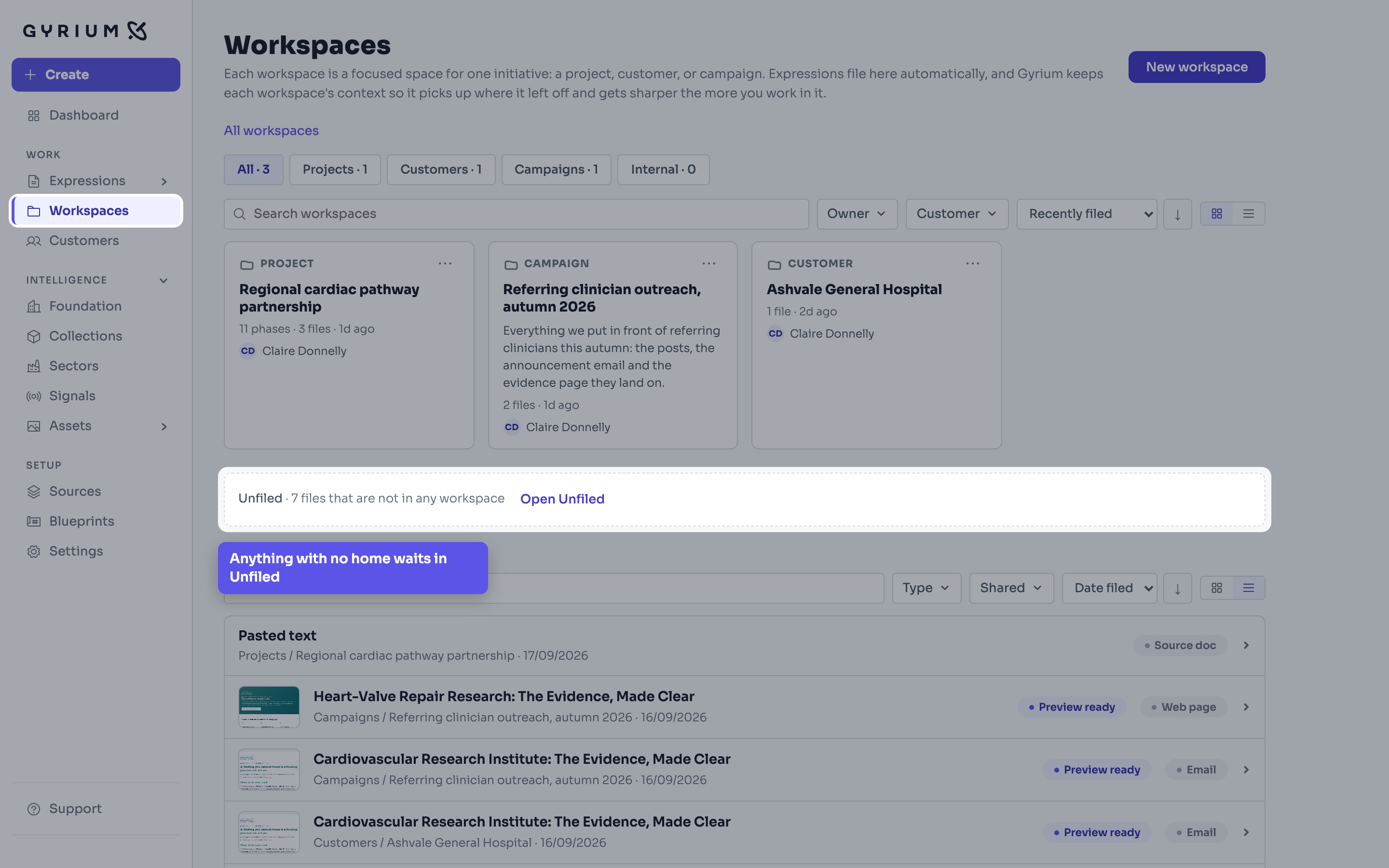
- Brief your work from inside it. What you make files itself here: by its project first, then its campaign, then its customer. Anything with no home sits in Unfiled, counted and one click away, so nothing is lost.
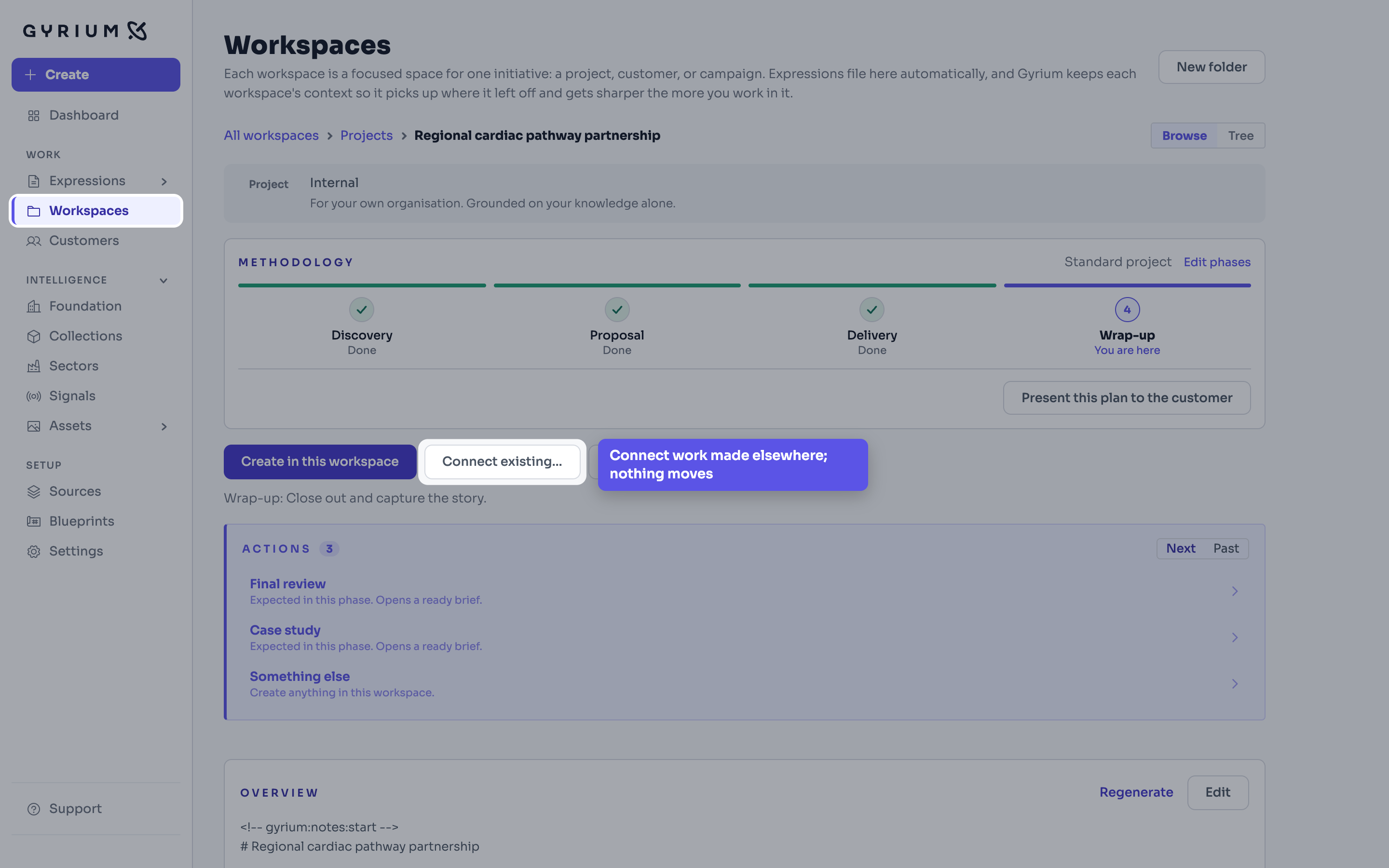
- Connect anything made elsewhere that also belongs here. It is then in both places. Nothing moves and nothing is copied: there is still one deck.
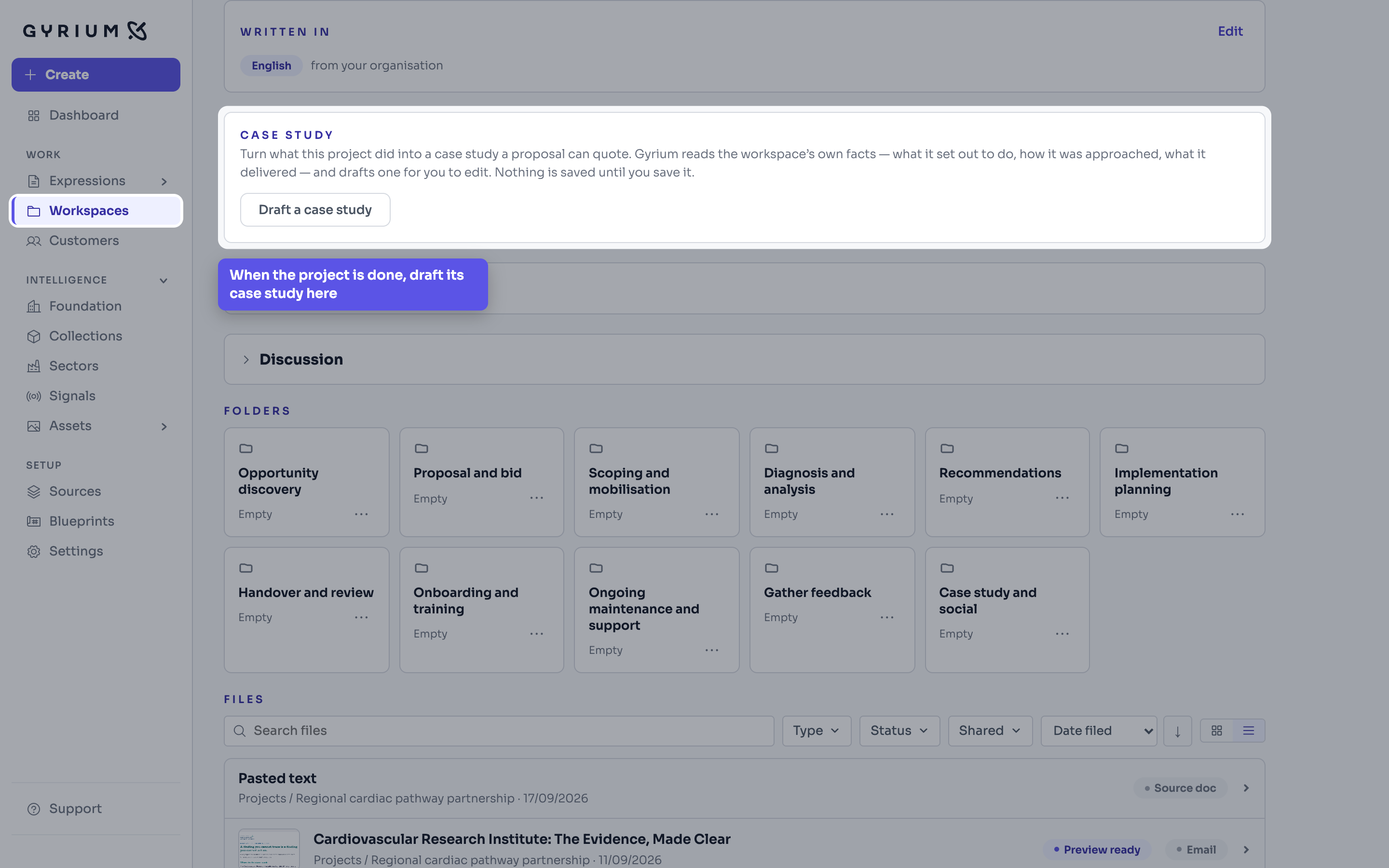
- When the project is finished, draft its case study from the bottom of the same page and save it to your proof, where the next proposal quotes it.
Watch this step
See it done.
Adding a customer, with the sector they work in and a profile read from their own material.
What this uses
Workspaces
A workspace is one initiative: a project, a customer or a campaign, with everything made for it gathering there on its own.
Filing and share links
Every Expression files itself by context and names itself properly, and shares as a read-only, on-brand link you can revoke.
Case Studies
A finished project writes its own case study, from its own record, into the proof the next proposal quotes.
Expressions
The work you actually ship. An Expression is a rendered view of your intelligence, in your brand.