01Why it is worth doing
Volume without visibility is how work goes out that nobody senior ever read.
02How you get there
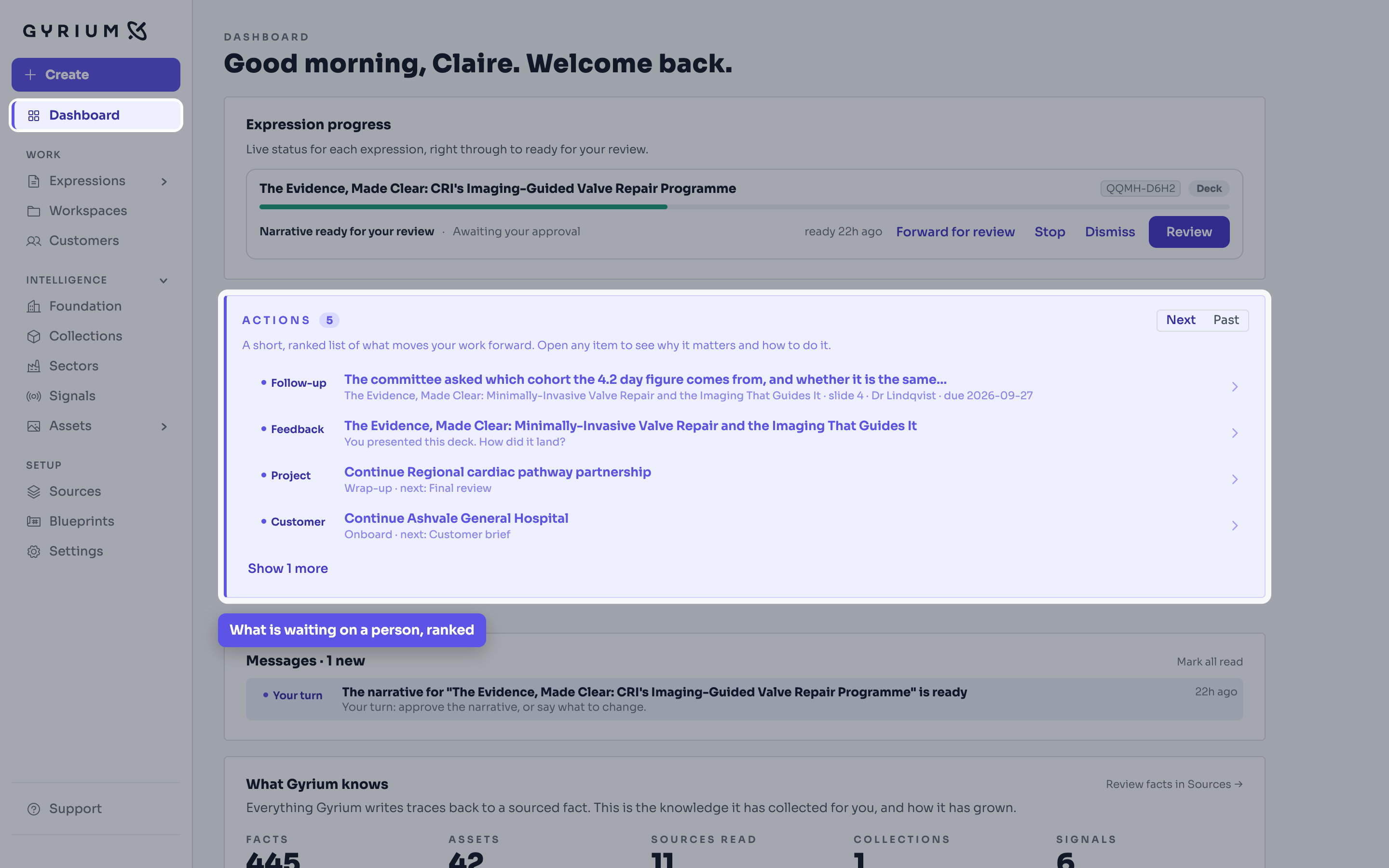
- Open the dashboard. Every piece of work is there, and what is waiting on a person is separated from what Gyrium is still building.
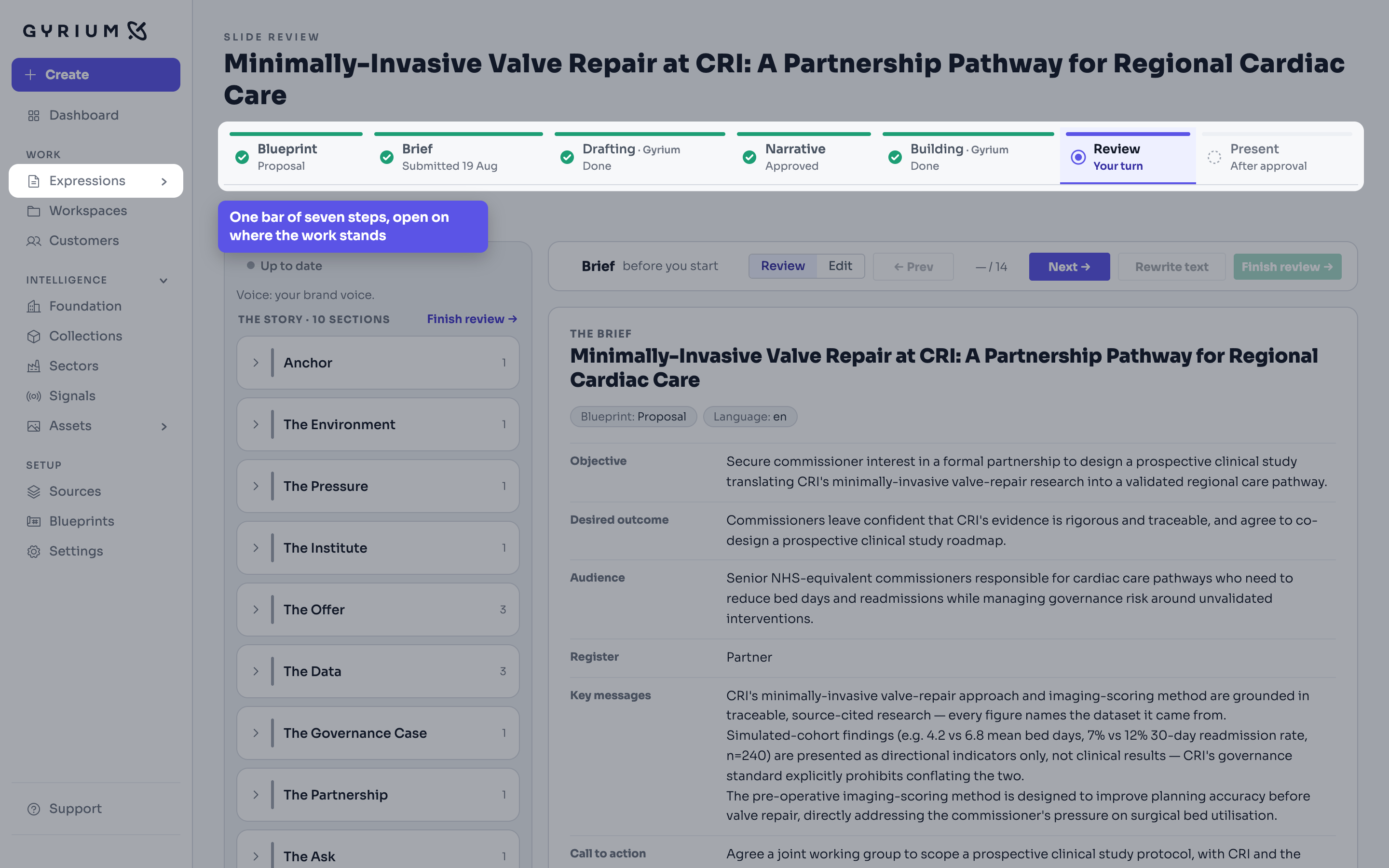
- Open any one of them. It opens on one bar of seven steps: Blueprint, Brief, Drafting, Narrative, Building, Review, and a last step named for what you actually do with it, whether that is presenting a deck, sharing a document or publishing a page. The bar is the progress, and it opens on the step the work is standing on.
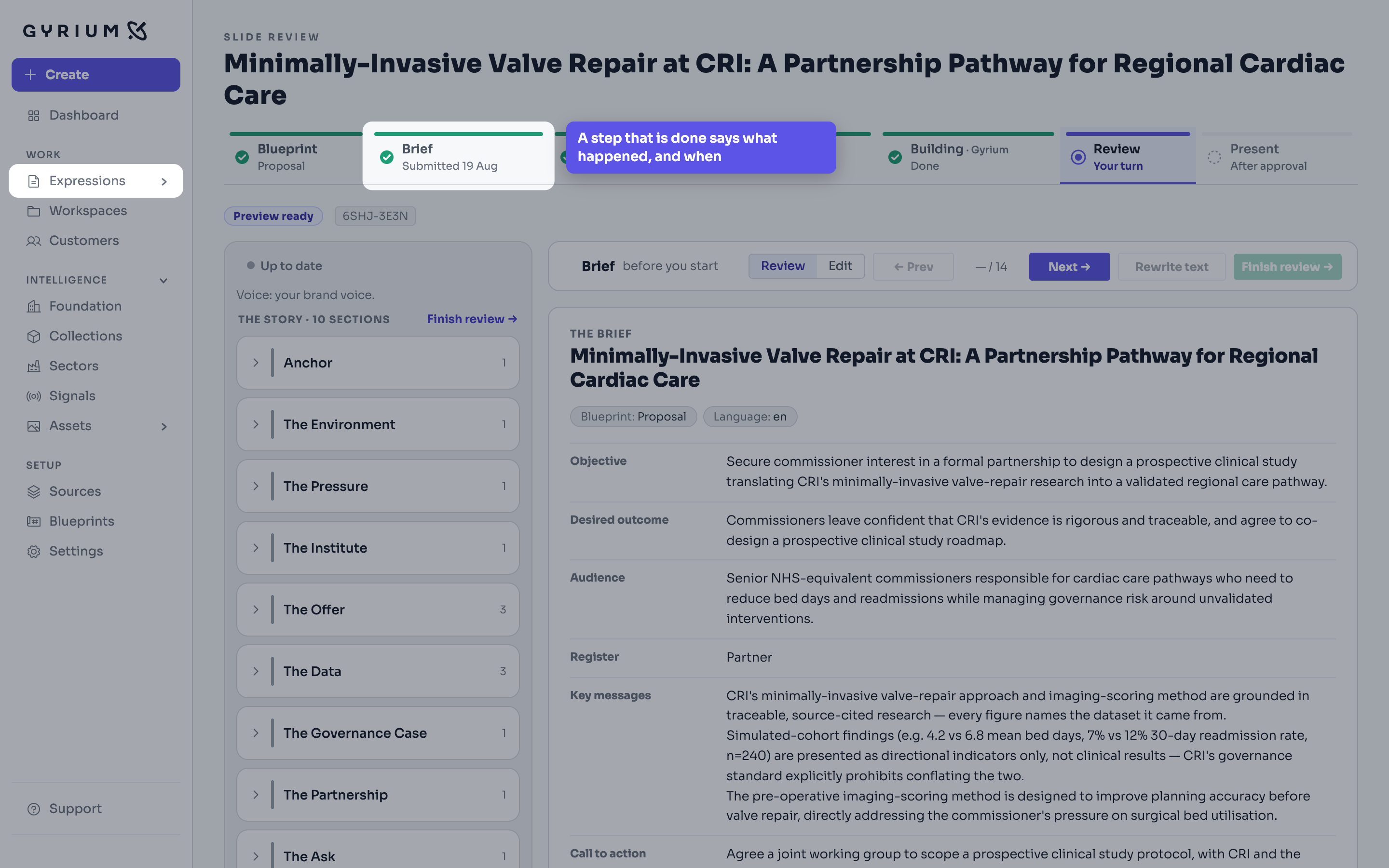
- Read the line under each step. A step Gyrium is working on says roughly how many minutes are left, and says so when it is taking longer than usual. A step that is done says what happened and when: submitted, approved, presented.
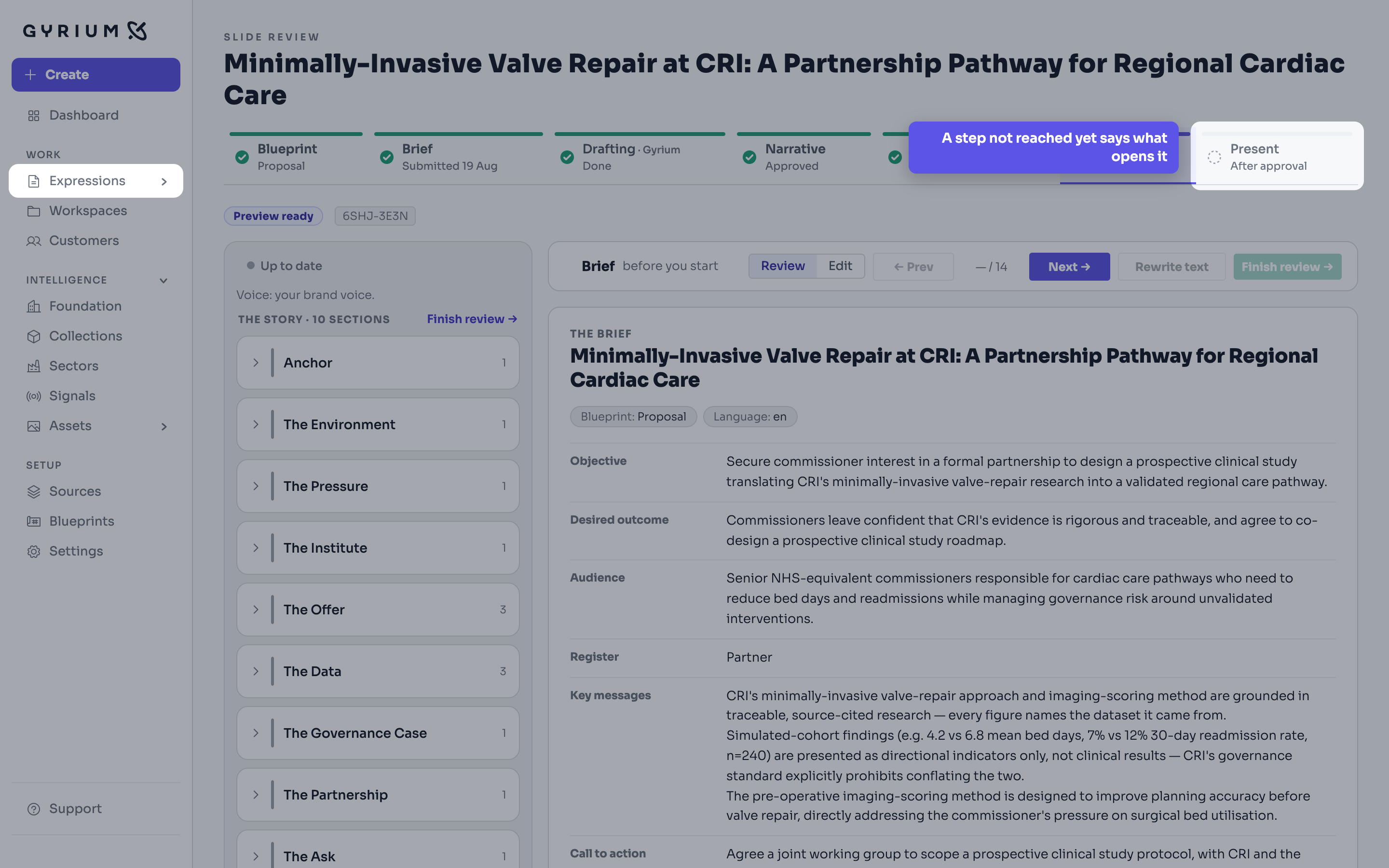
- A step nobody has reached yet is never a blank tab. It says what will open it, so the bar is also the answer to what happens next.
- Rename a piece from its title at the top of its page, or from Files. A name you give is kept: Gyrium names a deck from its approved narrative only while nobody has named it.
- Every step has its own link. Send someone straight to the one you mean, and a reload comes back to it; it will not drop you at the start.
Watch this step
See it done.
The dashboard at the start of the day: what is in progress, what is waiting on you, and what Gyrium knows.
What this uses
Expressions
The work you actually ship. An Expression is a rendered view of your intelligence, in your brand.
Workspaces
A workspace is one initiative: a project, a customer or a campaign, with everything made for it gathering there on its own.
Strategic Composition
Strategy before words. Gyrium sets the objective, the narrative, and the structure before it composes, grounded in your intelligence base.