01Why it is worth doing
A team page, a proposal and a pitch all name the same people. Held once, they are right in all three.
02How you get there
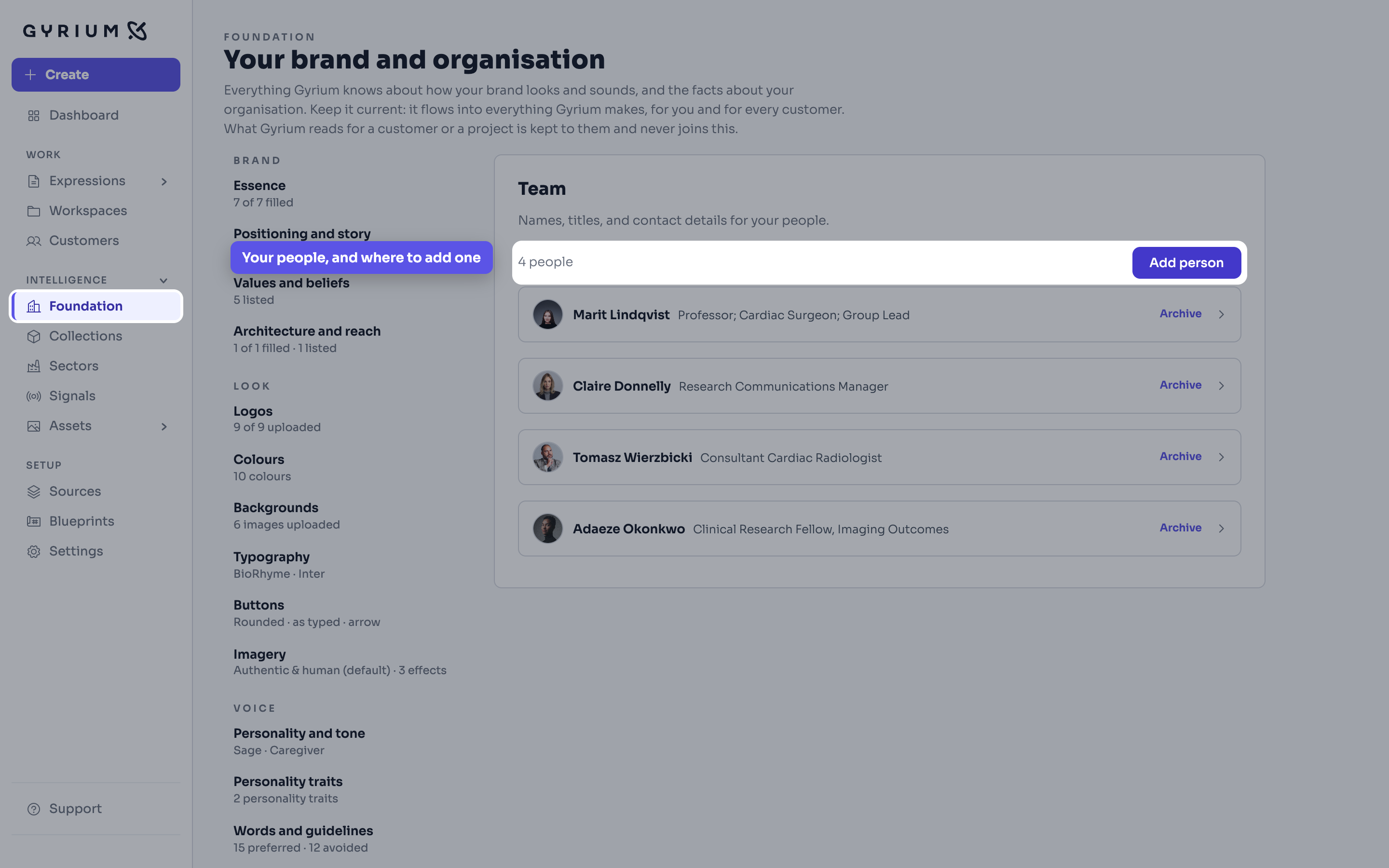
- Let Gyrium pull the team from what you have already given it, or add people yourself.
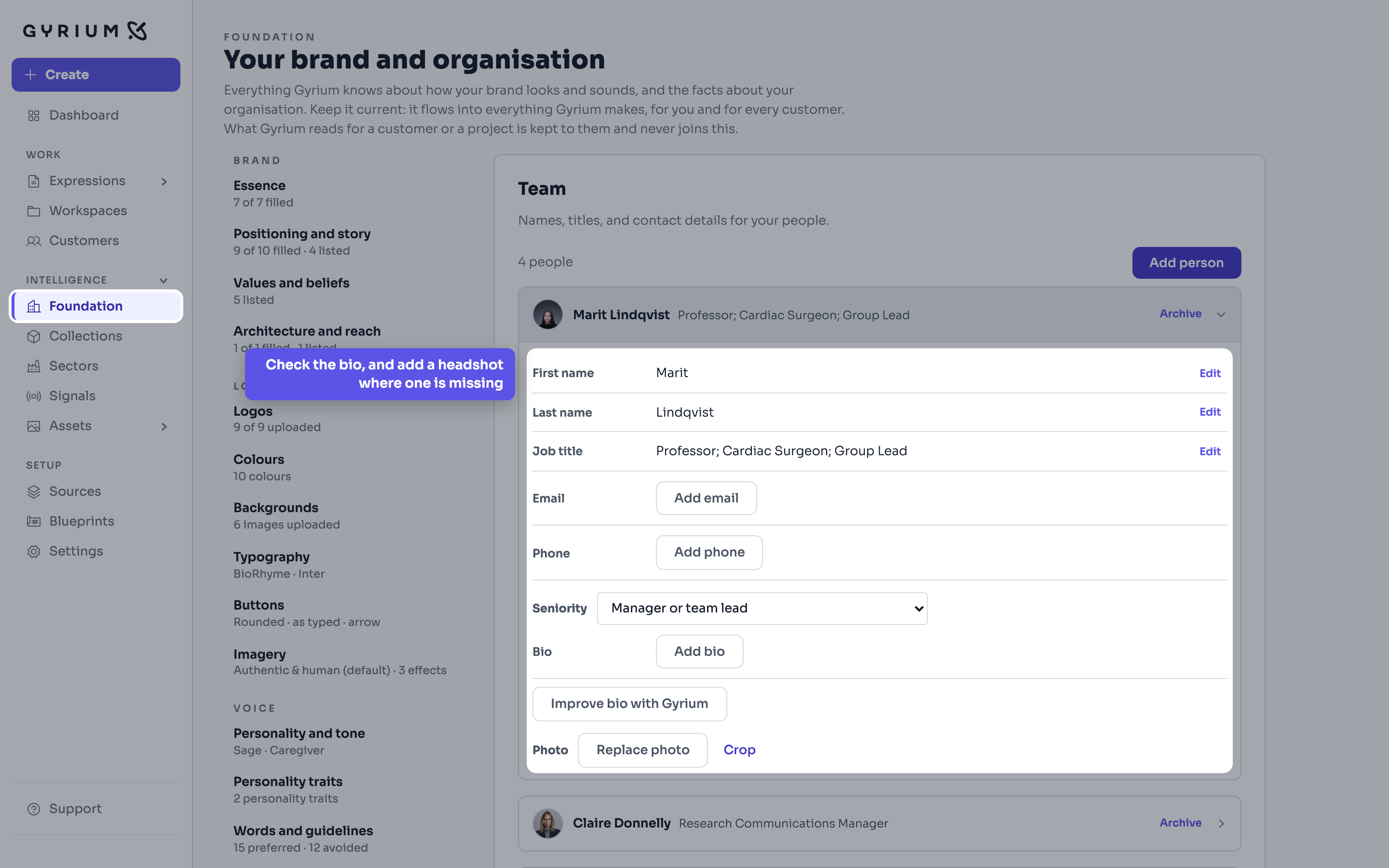
- Check the bios, and add headshots where they are missing.
- Correct one record, and every piece of work that names that person is correct too.
- A team member now lands in a deck or a proposal as a proper card, drawn from that one record.
What this uses
Organizational Intelligence
The memory of your organization. Everything it knows, captured as sourced facts, structured by a curated taxonomy, and available to everything you make.
Team members
The same people turn up in the pitch, the proposal, the landing page and the sign-off. Hold them once, and every one of those is right.
Filing and share links
Every Expression files itself by context and names itself properly, and shares as a read-only, on-brand link you can revoke.