What happens when somebody changes job?
Update the one record. Every Expression holding that person tells you what changed and offers to take the new details.
The same people turn up in the pitch, the proposal, the landing page and the sign-off. Hold them once, and every one of those is right.
Learn next: Organizational Intelligence · The block editor · Expressions · Web pages
A block for people. Put your team into a deck, a document, a web page or an email, and each person on it points at the one record your organization holds for them.
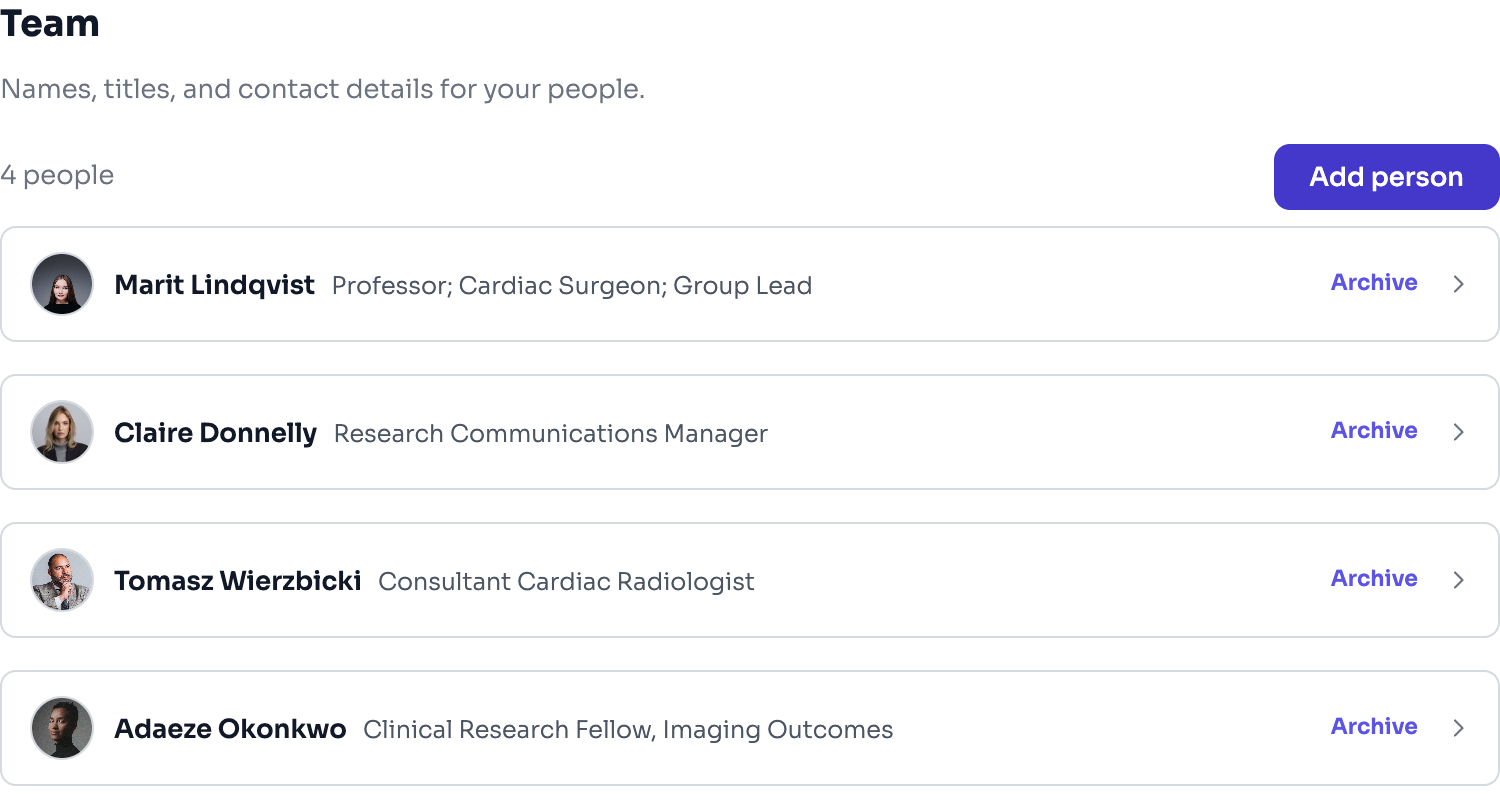
A person is not a card with a picture on it. The same colleague appears in a pitch deck, a proposal, a landing page and an email sign-off, and normally every one of those holds its own typed-in copy of their title, their address and their photograph. Those copies are correct on the day they are made and start going wrong the moment somebody changes job. Then a client meets the wrong job title in a document that was supposed to prove you are careful.
Add the block, choose who is on it. Each person is a pointer to your own record, so their title and their photograph come from one place.
When a record changes, the block tells you what changed, in words, and offers to take it: *their title was Head of Delivery and is now Managing Director*. The change is named on purpose. Asking somebody to accept an edit they cannot see is not really asking.
Somebody who is not on your team can still appear, because only a name is required. A client sponsor, a partner, a specialist brought in for this one piece: their card is marked as typed in, so it is clear which people are yours and which are not.
What you show is a choice for the whole block, never per person. A row of cards that shows an email for one person and hides it for the next reads as an oversight, when it should read as a decision. Choose photograph, name, title, role, biography, email, phone once, and the row is consistent.
Update the one record. Every Expression holding that person tells you what changed and offers to take the new details.
No. It shows you the change and you accept it. A finished Expression that quietly rewrote itself after approval would be a different problem.
Yes. Only a name is needed, and their card is marked as typed in so nobody mistakes a partner for staff.
No, and that is deliberate. Visibility is chosen for the block, so the row reads as a decision.
A block holds the people you put in it; there is no automatic roster that fills itself from a department. Accepting a change is per block, so a person who appears in twenty Expressions is offered the change twenty times.
The memory of your organization. Everything it knows, captured as sourced facts, structured by a curated taxonomy, and available to everything you make.
Edit an Expression the way you would a page, by moving blocks around. Nothing has a position, which is why the same content still works as a deck, a document, an email and a page.
The work you actually ship. An Expression is a rendered view of your intelligence, in your brand.
Publish web pages and landing pages, with embedded forms that collect responses, composed from your knowledge and in your brand.
The pilot takes a small number of organizations at a time. Bring what you already have.