A mistake is cheapest to fix at two moments: before the thinking is written up, and before the work leaves the building. Somebody reads it at both.
- For a presentation or a document, approve the thinking first. You read the objective and the narrative before a single word is composed. Where Gyrium cannot support a point, it says so on the point itself and offers to use what you have, fall back to a weaker claim it has already written, or drop the point. It does not invent one. Attach the source that holds what the point needs, and the point counts as answered: the slide is written from it once you approve.
- Read the composed piece as your reader will see it, in your brand. A deck opens on its first slide.
- Flag anything that is wrong, section by section or slide by slide, and only what you flagged is rewritten.
- Approve one section at a time, or all of it at once.
- A check that would stop the sign-off is outlined in amber on its slide. If you try to sign with one open, Gyrium lists it with Go to slide, which takes you straight there, with the block that needs the fix already open when the check names one.
- Signing records who approved, what they confirmed and exactly what they signed. Change the content afterwards and the sign-off goes stale on its own.
- Nothing is published or shared until someone with the right to approve has checked it and signed it off. Signing off is accepting it as checked. Downloads, exports and presenting stay available as working copies. Sign-off is never automatic.
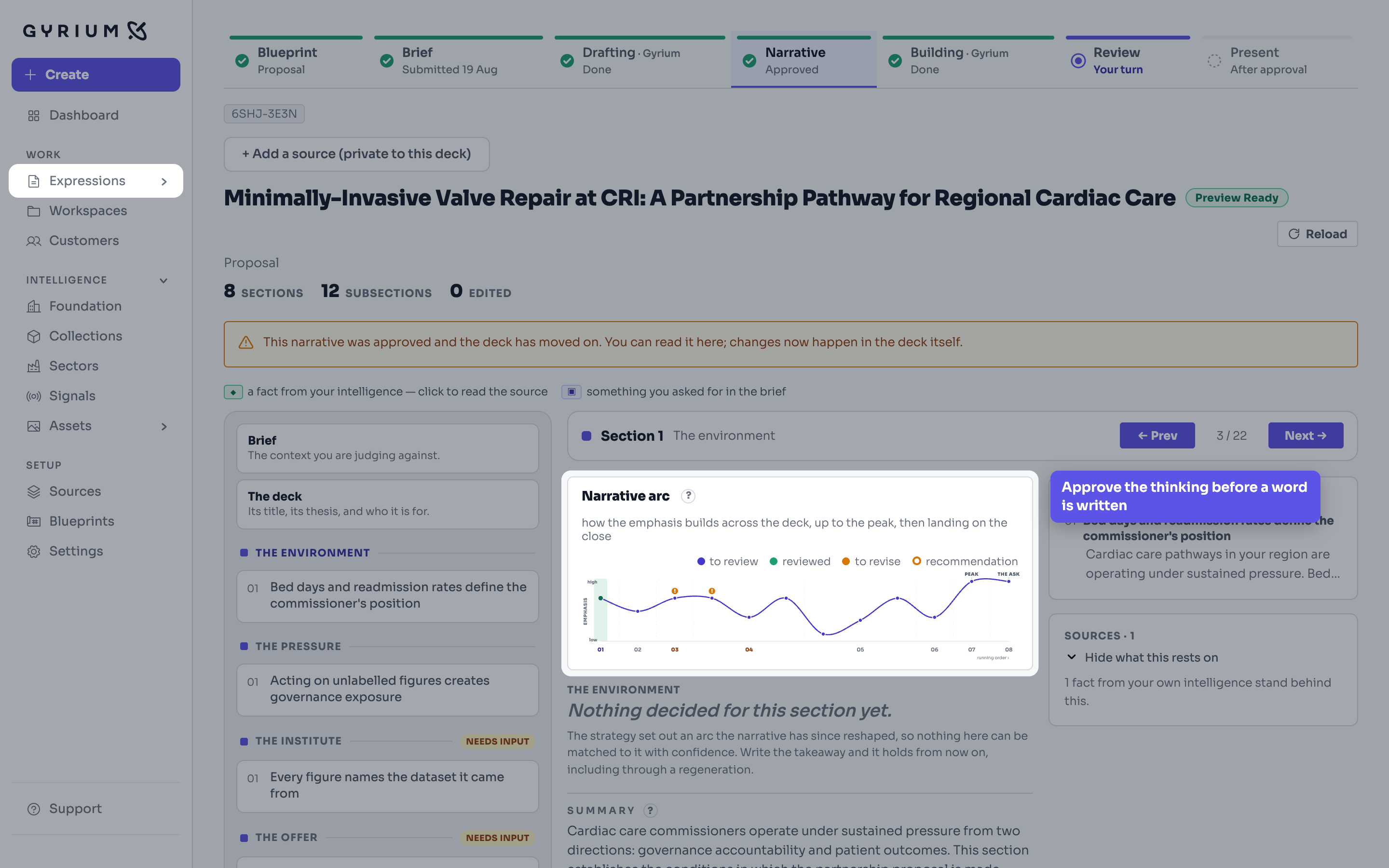
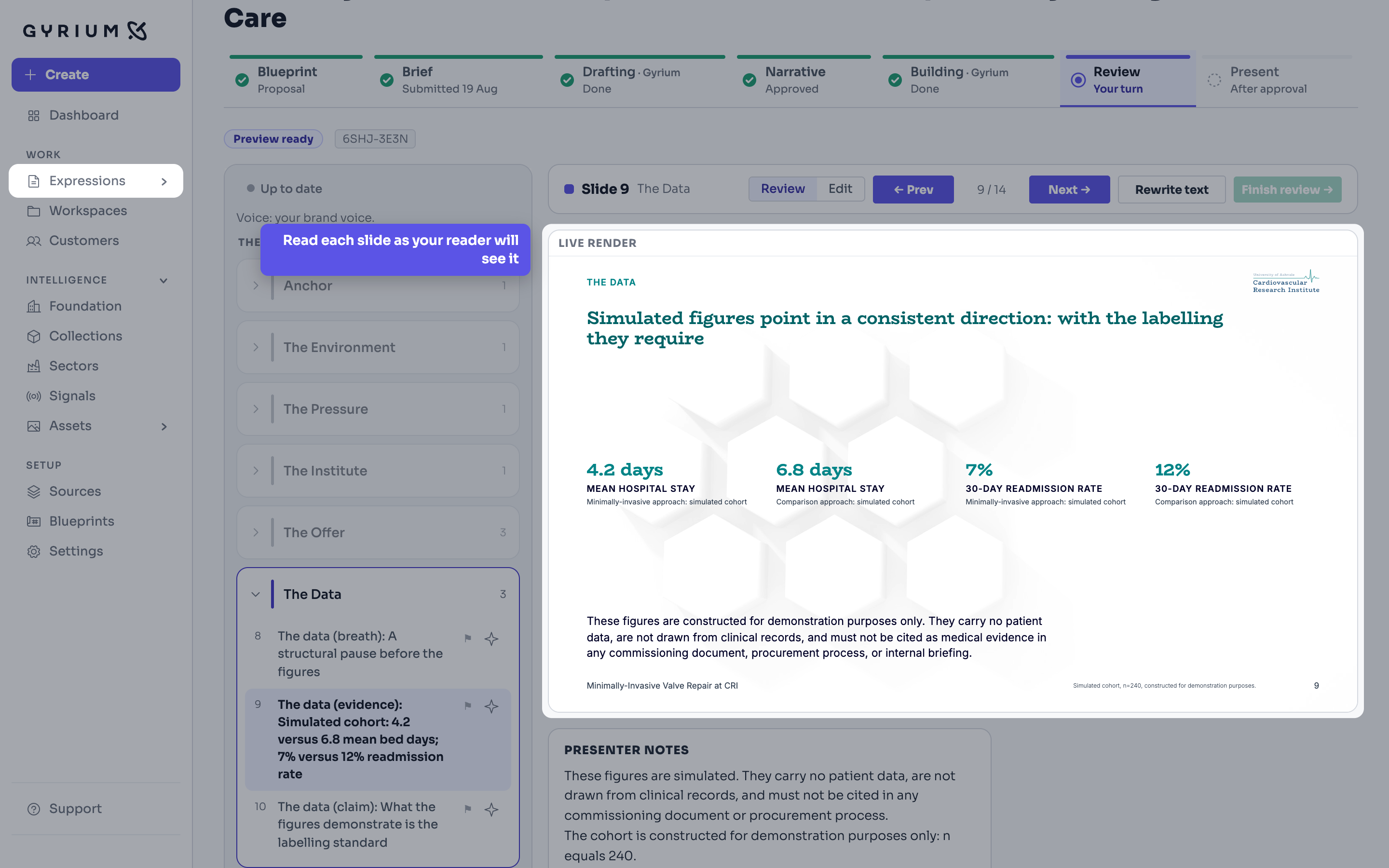
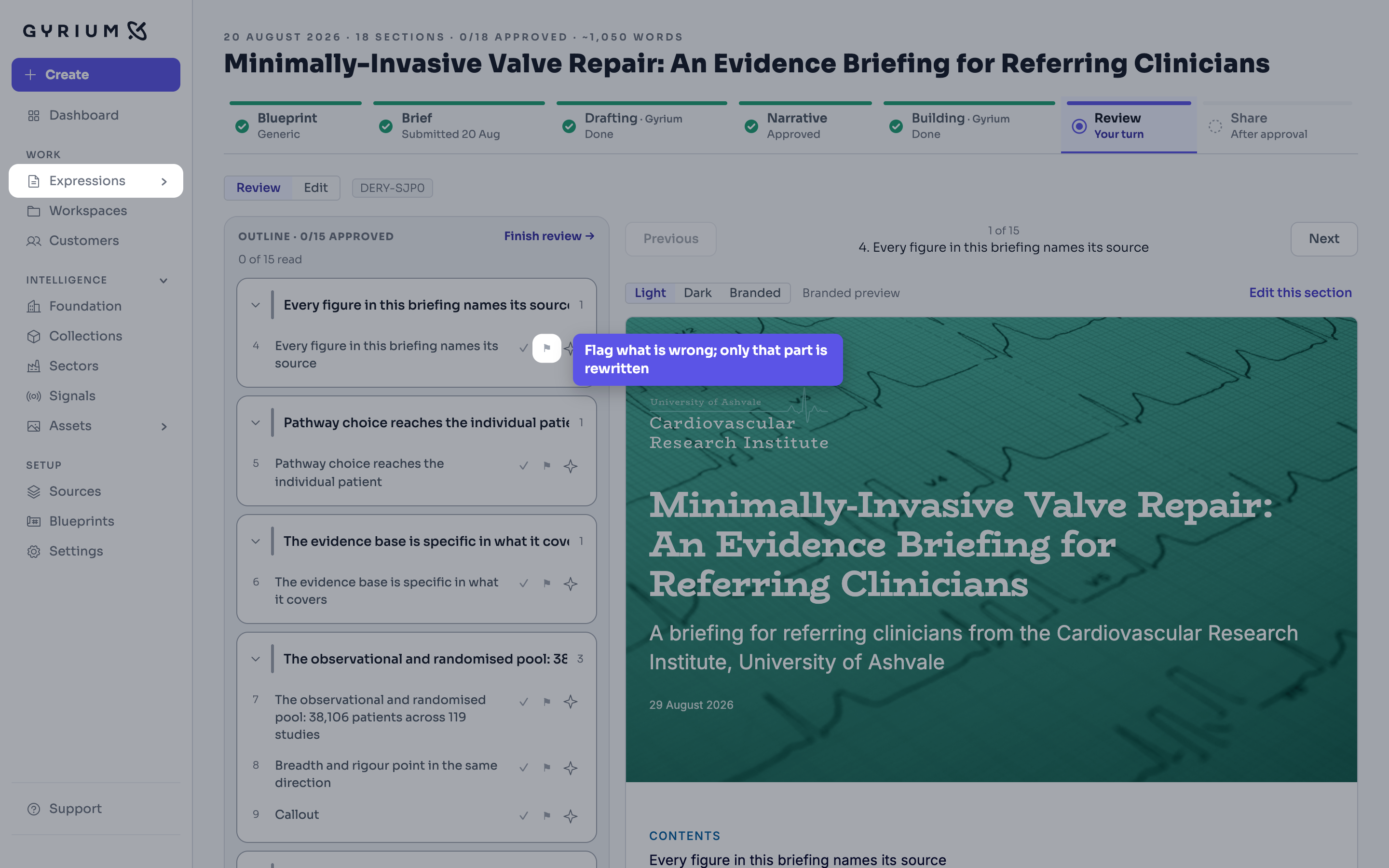
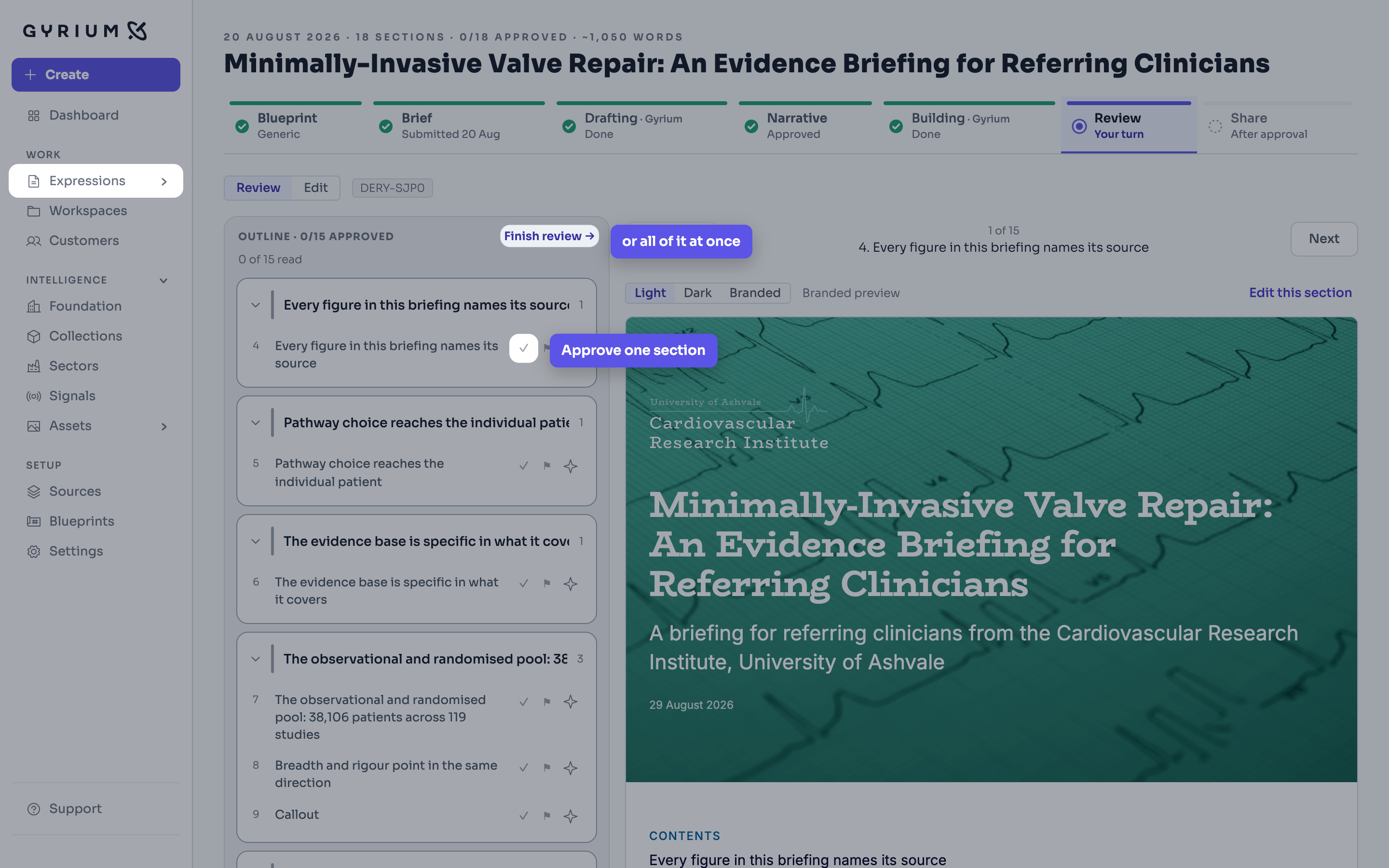
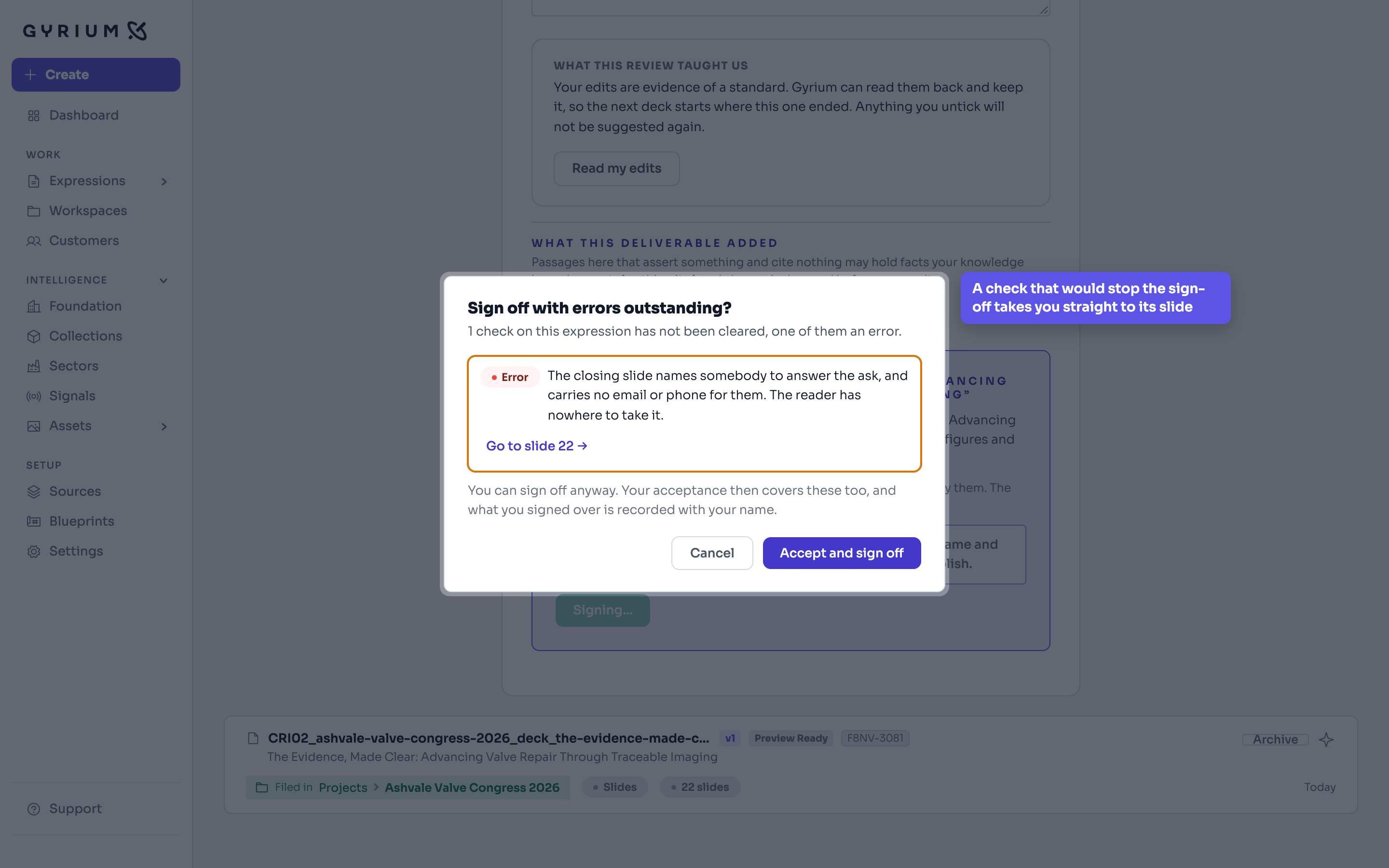
Reading the composed deck slide by slide, then signing it off, including a check that holds the sign-off until someone looks.
Strategy before words. Gyrium sets the objective, the narrative, and the structure before it composes, grounded in your intelligence base.
One source of truth. Sourced, isolated, approved, versioned, exportable, and owned by the customer.
The work you actually ship. An Expression is a rendered view of your intelligence, in your brand.
Edit an Expression the way you would a page, by moving blocks around. Nothing has a position, which is why the same content still works as a deck, a document, an email and a page.